 Social media
How to Block Snapchat
Break free from streak pressure and disappearing Stories with Offimo
The Real Cost of Snapchat
- 31 minutes per dayAverage time on Snapchat
- 8 full days per yearThat's nearly
- 1 hour 30 minutes per dayTeens average up to
Source: Snapchat Screen Time Statistics (2026)
Why Snapchat Is So Hard to Put Down
Snapstreaks turn a simple exchange of photos into an obligation. Once a streak reaches a certain number of days, breaking it feels like a real loss, so you open Snapchat not because you want to, but because you're afraid of what happens if you don't. That pressure is especially strong for teens, who average up to an hour and a half a day on the app, nearly triple the platform's overall average.
Stories add a second layer of urgency: content disappears after 24 hours, so there's always a reason to check now rather than later. Combined with a steady stream of notifications, Snapchat creates a sense that something is always about to be missed, which makes it hard to simply decide to stop checking.
How Offimo Helps You Take Control
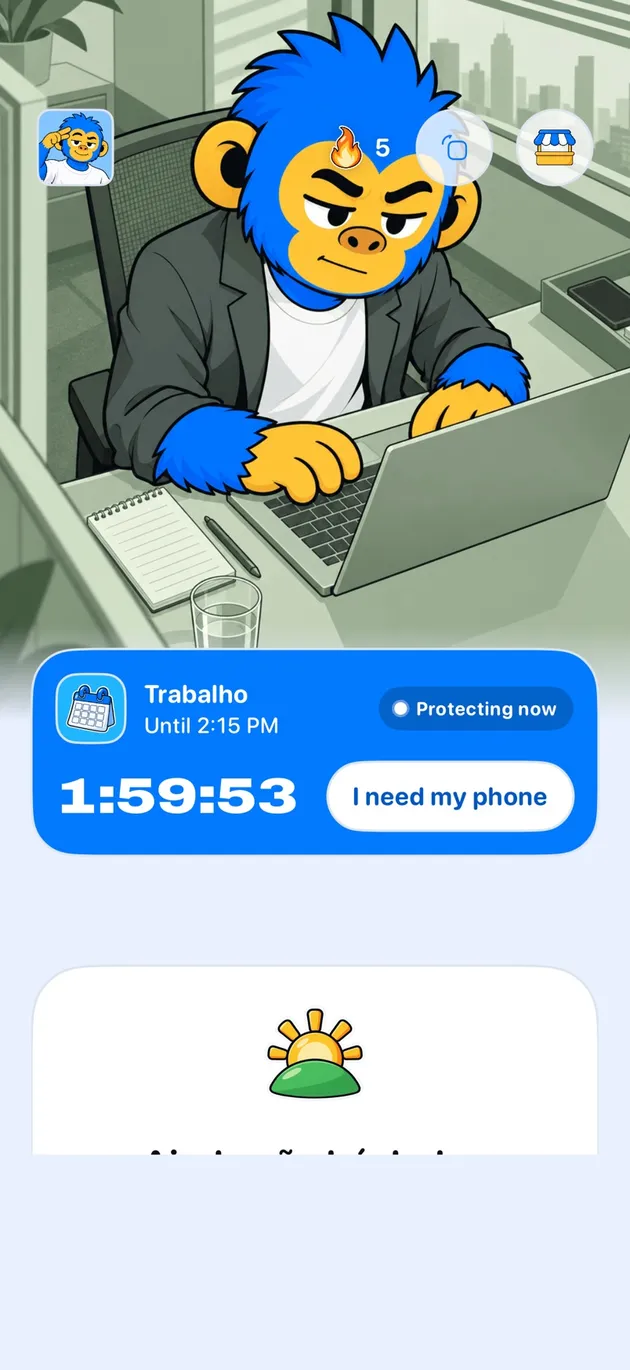
By default, Offimo doesn't block Snapchat outright, since for many people it's tied to real friendships and ongoing streaks they don't want to lose. Instead, it adds a brief pause before the app opens, giving you a moment to notice whether you're opening Snapchat on purpose or just reacting to streak anxiety. If you want a firmer barrier at certain hours, you can turn on Commitment Mode.
That pause doesn't stop you from keeping a streak alive or checking a Story you care about. It interrupts the reflex to open Snapchat the instant a notification appears, so the choice to proceed becomes a conscious one instead of an automatic one.
Over time, Offimo's dashboard shows you how many of those reflexive opens you skipped, helping you separate the streaks and conversations that genuinely matter to you from the checking that was really just fear of missing out.
Setting Up Snapchat Blocking in Offimo
- 1
Download and Install Offimo
Get Offimo from the App Store and complete the quick onboarding, which explains how pauses work and requests the permissions needed to intercept app launches.
- 2
Add Snapchat to Your Protected Apps
Open Offimo's app selection screen and choose Snapchat from your installed apps. You can protect other apps at the same time if you'd like.
- 3
Customize Your Pause Settings
Choose your pause length (30 seconds is a solid starting point) and select the prompt you'll see when you try to open Snapchat. These settings can be changed anytime.
- 4
Use Your Phone Normally
Carry on as usual. The next time you tap Snapchat, Offimo will show the pause first, then let you continue to the app if you decide you still want to.
- 5
Check Your Dashboard
Look at Offimo's analytics regularly to see how many opens you paused on and how many you chose to skip, so you can see the pattern behind your streak-driven checking.
What to Expect After Using Offimo
In the first few days, you'll likely notice how often you open Snapchat purely to protect a streak, even when you have nothing to actually say. The pause makes that distinction obvious in a way it never was before.
Within a week or two, most users find they can maintain the streaks and conversations they genuinely value while cutting out a large share of the anxious, reflexive checking driven by disappearing Stories and notification badges.
The bigger shift tends to be emotional: less of the low-grade dread that comes with streak pressure, and more sense that you're keeping up with friends because you want to, not because an app is quietly threatening to reset a number.
Tips for Success
Decide which streaks are worth keeping.
Not every streak reflects a friendship you actually value. Let the ones that don't matter lapse, that's one less source of daily pressure pulling you back into the app.
Batch your Story-checking.
Instead of opening Snapchat every time a Story notification appears, pick one or two set times a day to catch up. Stories from people you're close to will still be there.
Notice the difference between wanting to and having to.
During the pause, ask whether you're opening Snapchat because you want to share something, or because you're afraid of losing a streak. Naming the difference makes it easier to choose.
See also
Read more on this topic
Social media Digital detox
 Digital detox