 Digital detox
The last hour before sleep and the first hour after waking
Two windows where a pause is worth setting.
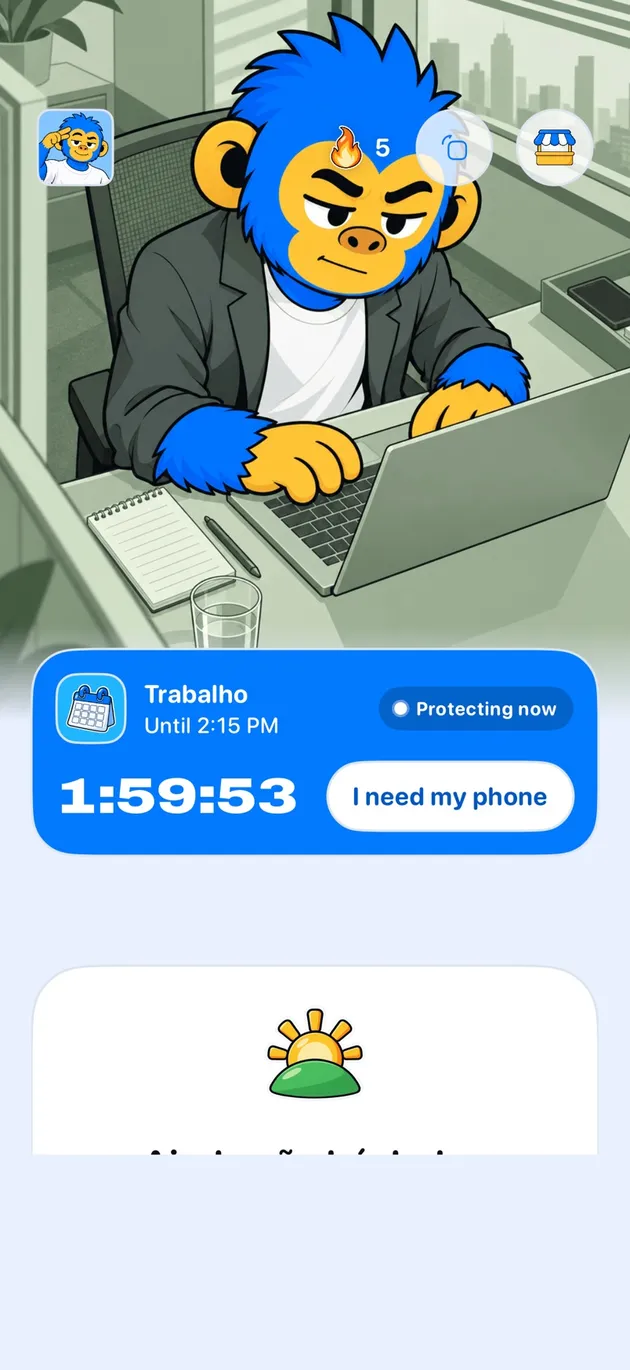
Offimo can put social media behind a pause in the two windows that cost the most: late evening and the first minutes of the morning. If you still want in, you go in; for a night you don't want to negotiate, there is Commitment Mode.
- The two windows: The evening, The morning, Rest without more content, Presence
- Getting started: Download Offimo, Pick your apps, Let the pause work
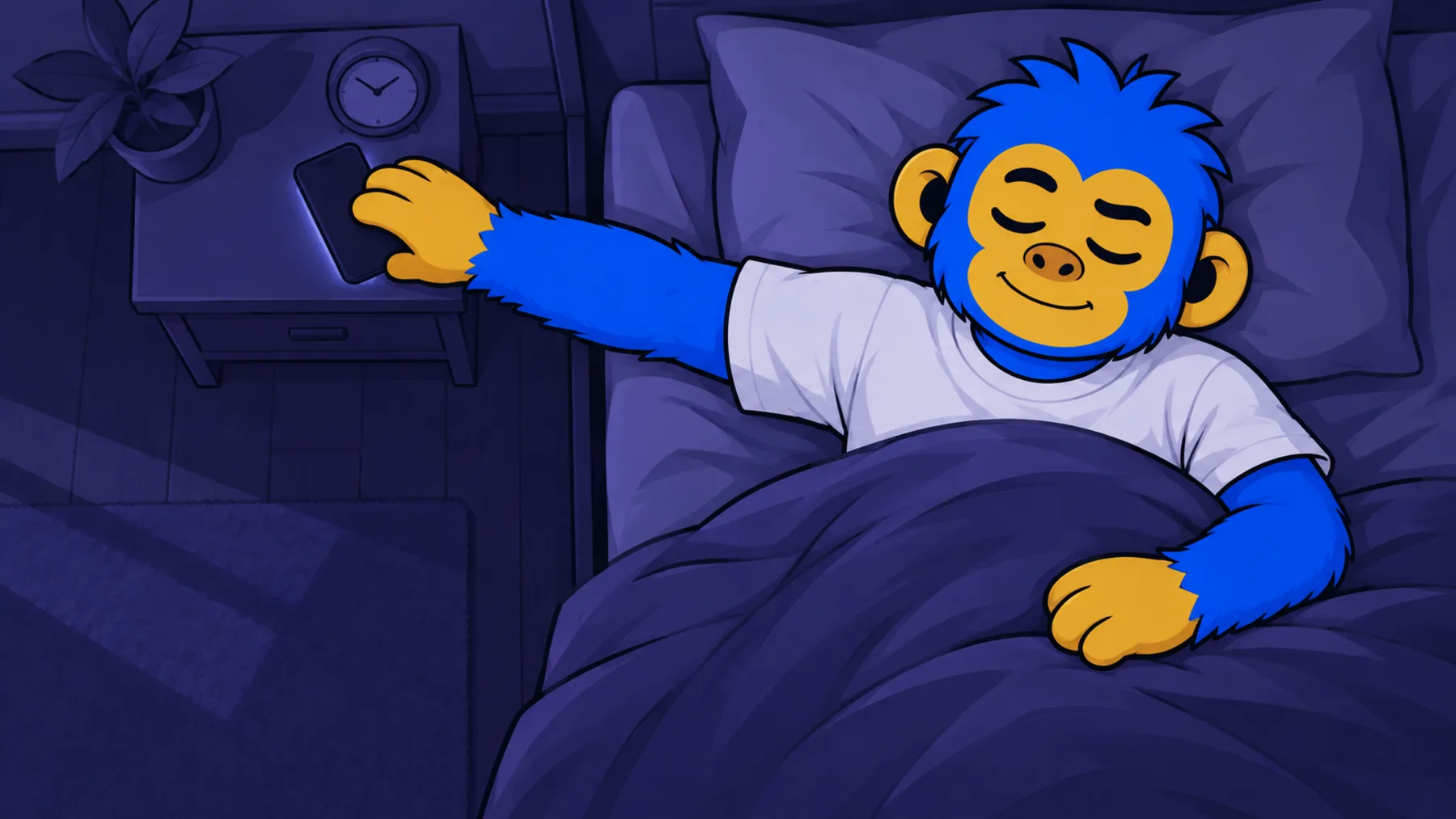
You lie down at eleven and the videos keep going until almost one. In the morning, the first move is opening the feed before you get up. You don't have to change the whole day to touch this.
In Offimo, you choose the apps and the hours: for example, social media behind a pause after ten at night and before eight in the morning. If you still want in, you go in, with a few seconds to decide. For a night you don't want to negotiate, there's Commitment Mode.
The two windows
The evening
Scrolling apps sit behind a pause from the hour you choose.
The morning
The feed stops being your first move of the day without you having decided that.
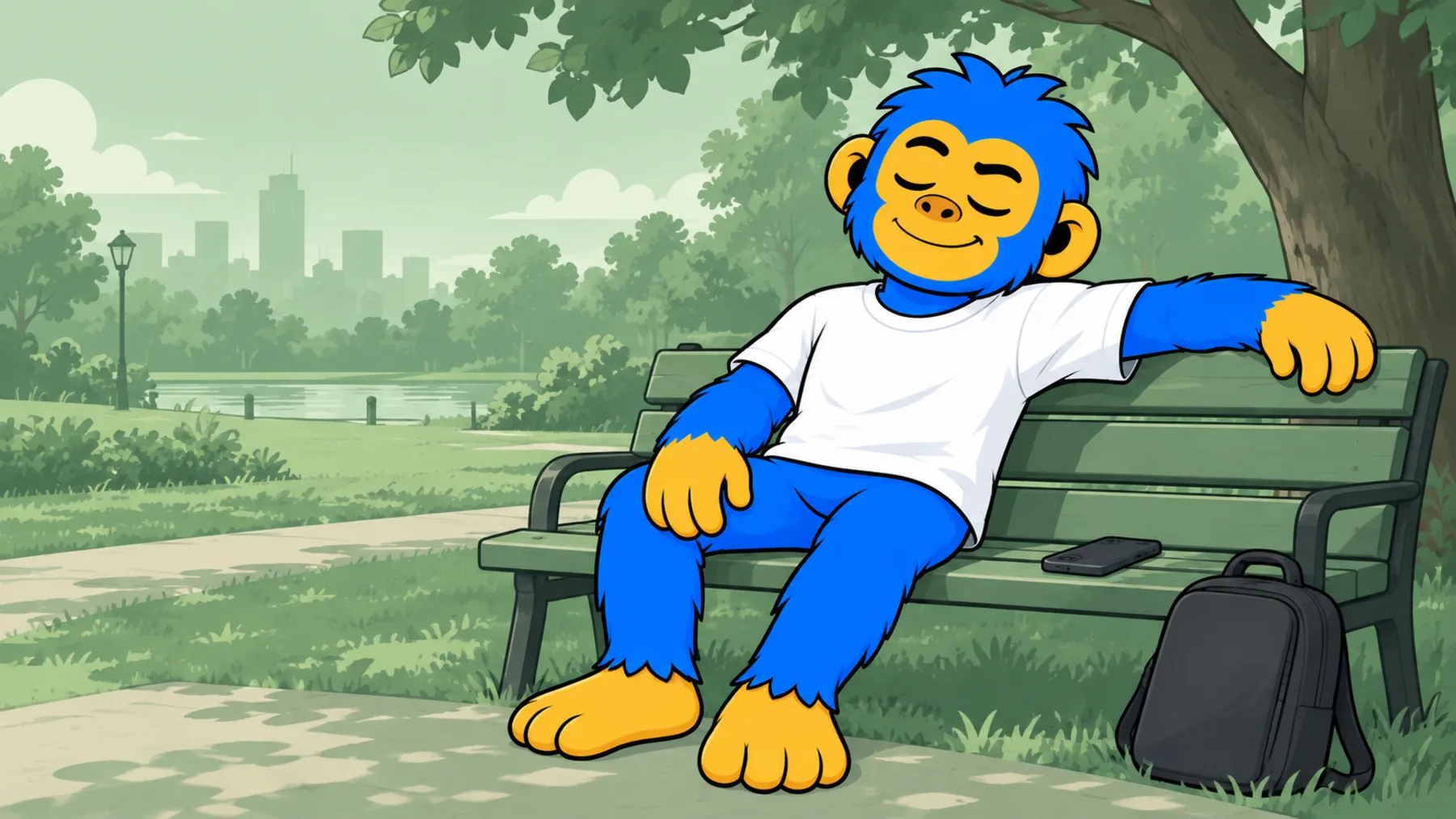
Rest without more content
A break without a new feed is just a break.
Presence
Fewer autopilot glances during meals and conversations, in the hours you define.
Getting started
- 1
Download Offimo
Install from the App Store and finish the initial setup.
- 2
Pick your apps
Choose which apps and sites deserve a pause before they open. Change it whenever you like.
- 3
Let the pause work
Next time you tap the icon, the pause appears, and the decision is yours again.
Frequently asked questions
Where do I start if I change only one thing?
With the window where the phone most gets in the way of what you wanted to do, whether that's sleeping, waking up or having dinner.
Does this help with anxiety or sleep?
Offimo doesn't treat anxiety or insomnia. It helps you keep the hour you chose to put the phone down. If sleep or anxiety worries you, see a health professional.
Do I have to cut all entertainment?
No. Digital leisure you chose is still valid. The pause is for the times the feed takes the place of something you wanted to do.
See also
Read more on this topic
Digital detox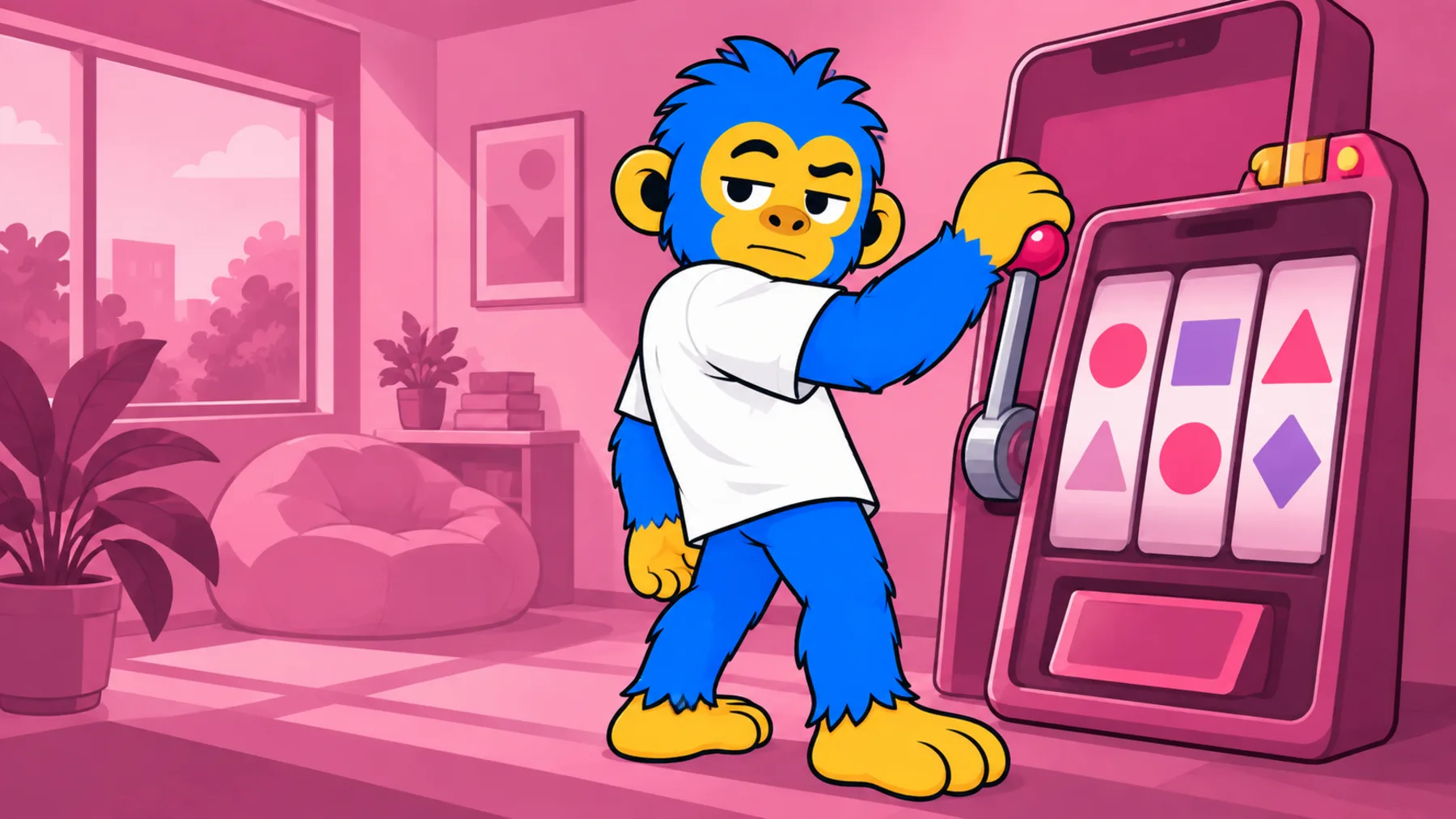 Wellbeing
 Digital detox