 Social media
Deleted the app and reinstalled it on Wednesday?
Keep social media on your phone. Remove only the autopilot way in.
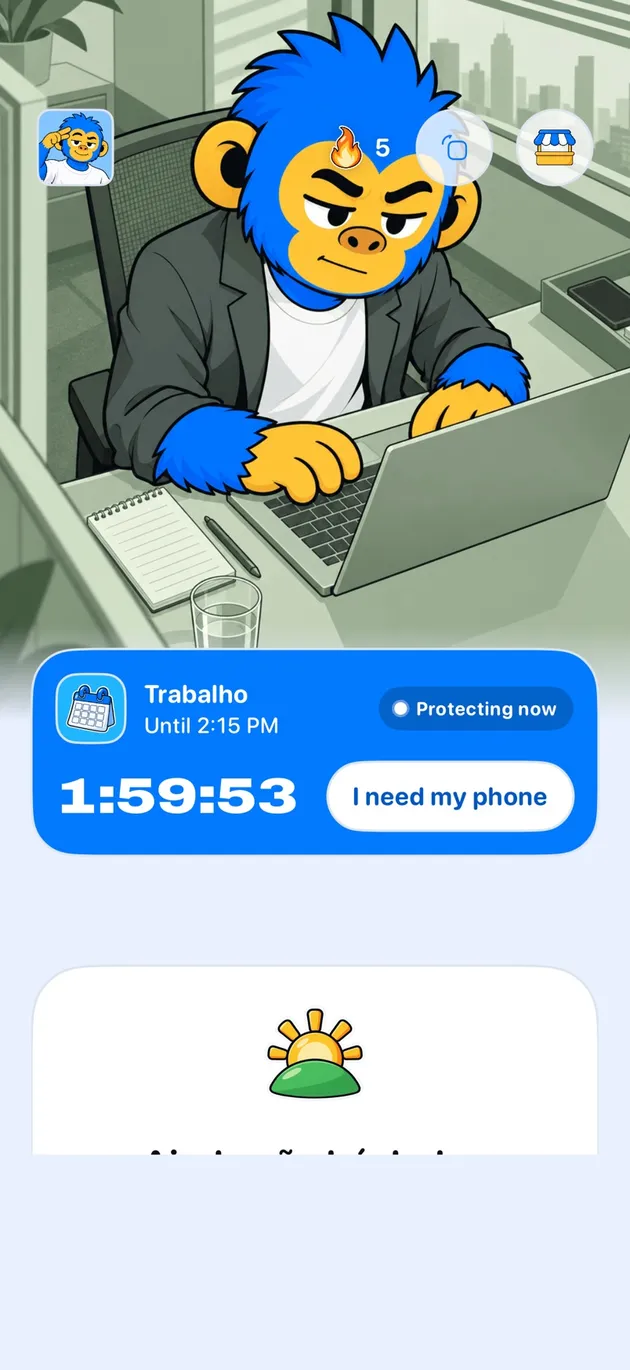
Offimo keeps your social apps on your iPhone and puts a few-second pause in front of them. You can still use them; you just stop opening them on autopilot.
- Something you can keep up: Not all or nothing, One app at a time, Hours that make sense, Messages off the list
- Getting started: Download Offimo, Pick your apps, Let the pause work
Deleting the app works for a few days. Then a message arrives that you can only answer there, you reinstall, and within a week everything is back. Deleting fixes access, not the habit of opening it without thinking.
Offimo leaves your social apps on your iPhone and puts a pause in the way. When you try to open a protected app, access is held for a few seconds and the screen offers Close app or Ask for access. You can still use them; you just don't walk in without noticing you did.
Something you can keep up
Not all or nothing
No app disappears from your phone. They just get a pause at the door.
One app at a time
Start with the one that pulls you most and add others later.
Hours that make sense
Protect only study time, work time or bedtime, and leave the rest free.
Messages off the list
Leave out the app you use to talk to people and protect only the feed.
Getting started
- 1
Download Offimo
Install from the App Store and finish the initial setup.
- 2
Pick your apps
Choose which apps and sites deserve a pause before they open. Change it whenever you like.
- 3
Let the pause work
Next time you tap the icon, the pause appears, and the decision is yours again.
Frequently asked questions
Can I block just Reels and Shorts?
Today the pause applies to the whole app, not to a tab inside it.
Will I lose touch with my friends?
You don't have to. You choose which apps to protect, and with the simple pause you go in when you decide to.
Can I allow it at specific times?
Yes. Protection can apply only at the times you choose.
See also
Read more on this topic
Social media Digital detox
 Digital detox