Made for iPhone · No ads
What would you do with more time?
Block distractions with Offimo. Jeff keeps an eye out.









- Reading that book
- Finishing what you started
- Actually enjoying lunch
- Going to bed when you meant to
- Dinner with no phone on the table
- Starting the day without the feed
- Just resting
How Offimo fits into your day
Simpler than it sounds
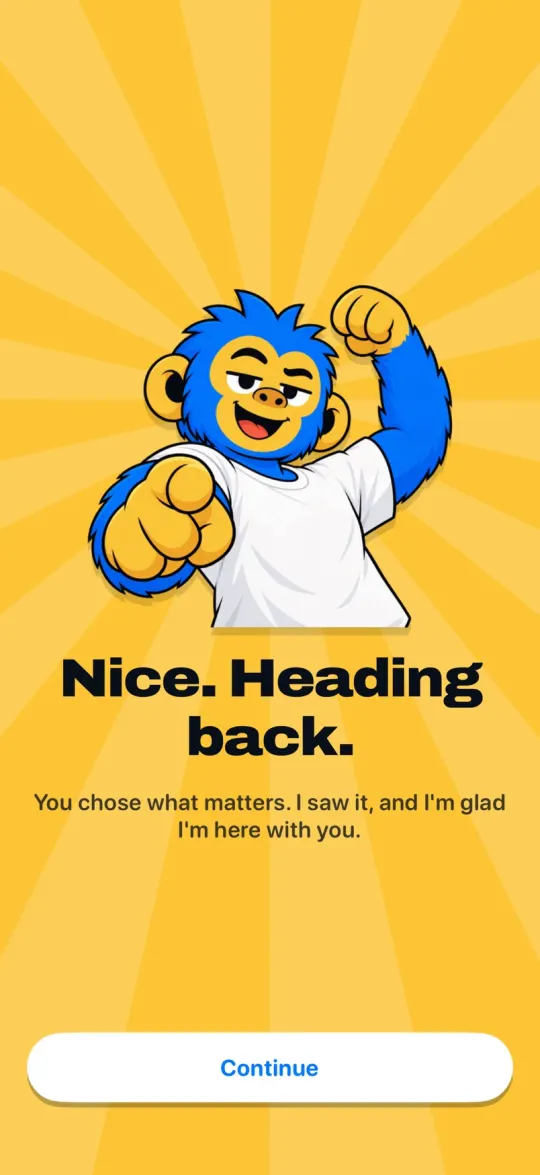
1Start here
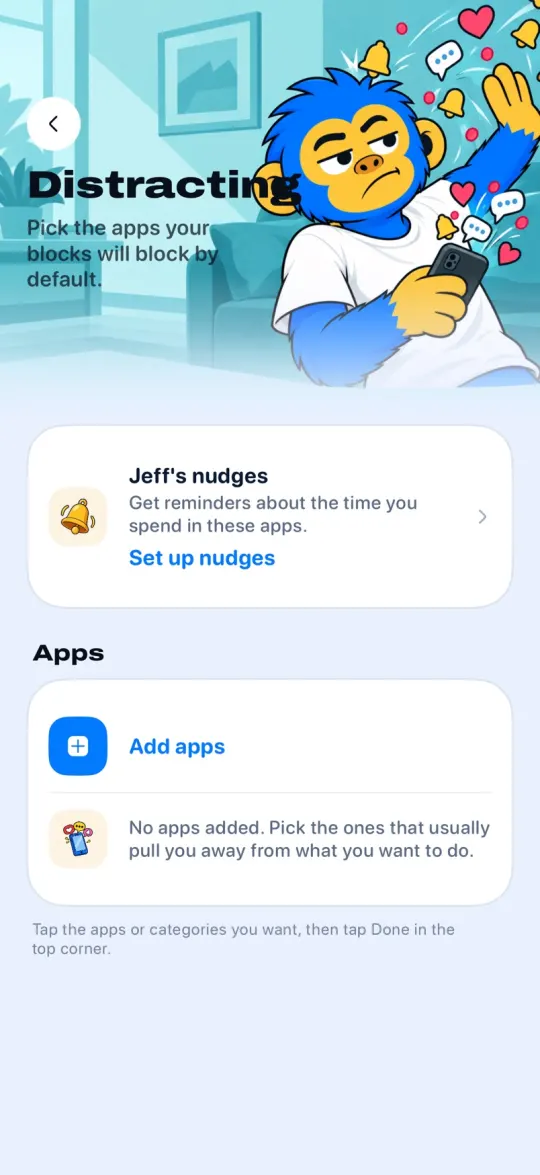
Pick what can wait
Instagram, TikTok, YouTube: you build the list of what pulls you in.
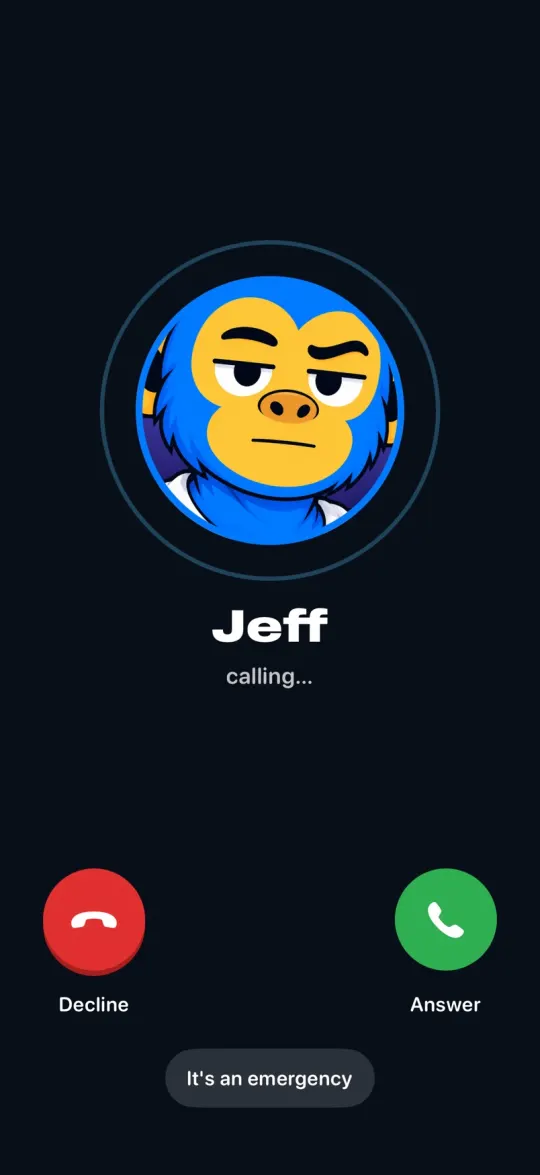
2The pause
Opened the app? Jeff calls.
Instead of the feed, a call. You decide if you still want in.
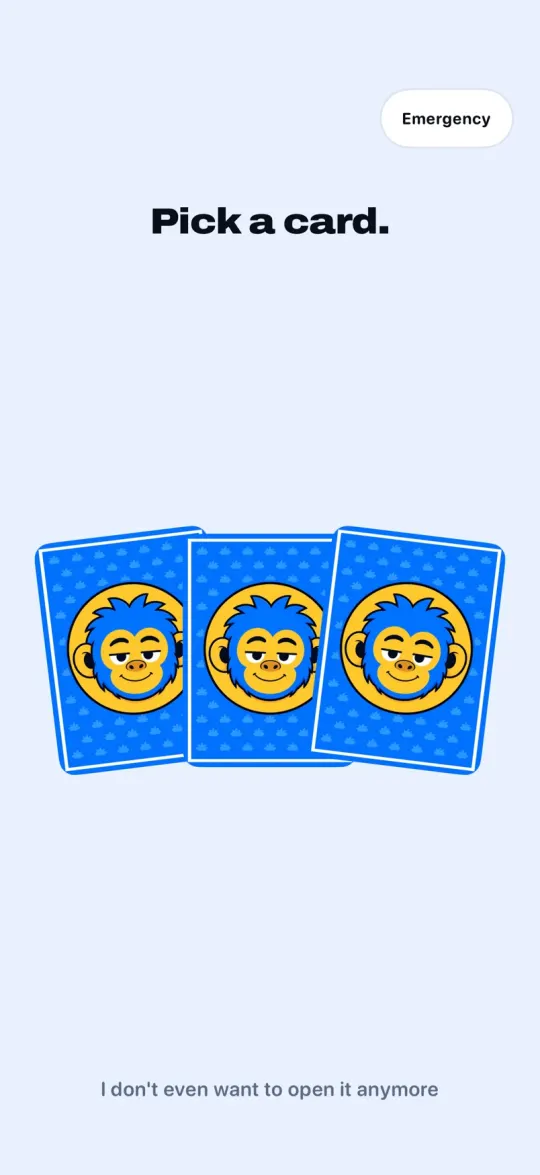
3The challenge
Really want in? Draw a card.
The more time you ask for, the bigger the challenge you get.
Without Offimo
One tap on Ignore Limit, or 15 more minutes. Time flies and the night disappears into a screen.
Time Limit
You've reached your limit on Instagram.
OKIgnore LimitWith Offimo
There's no ignore button. There's a pause to remind you what you chose to do right now.
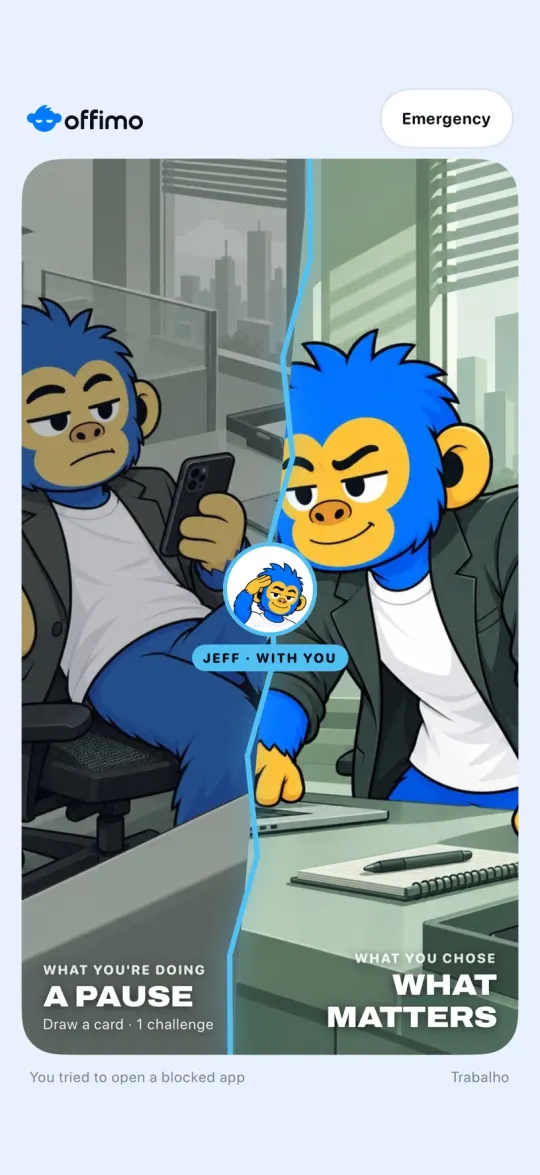
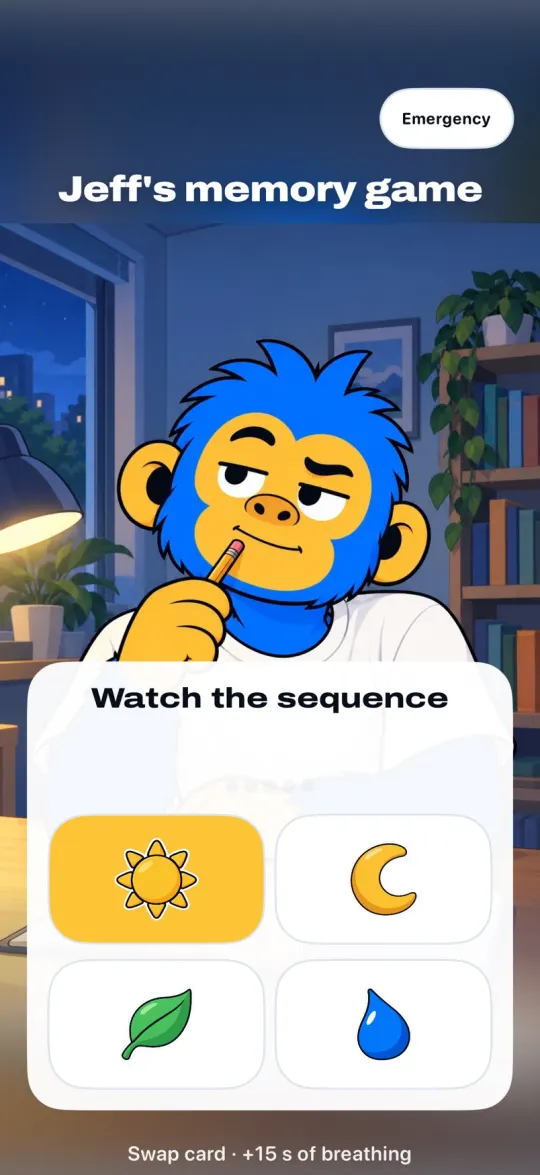
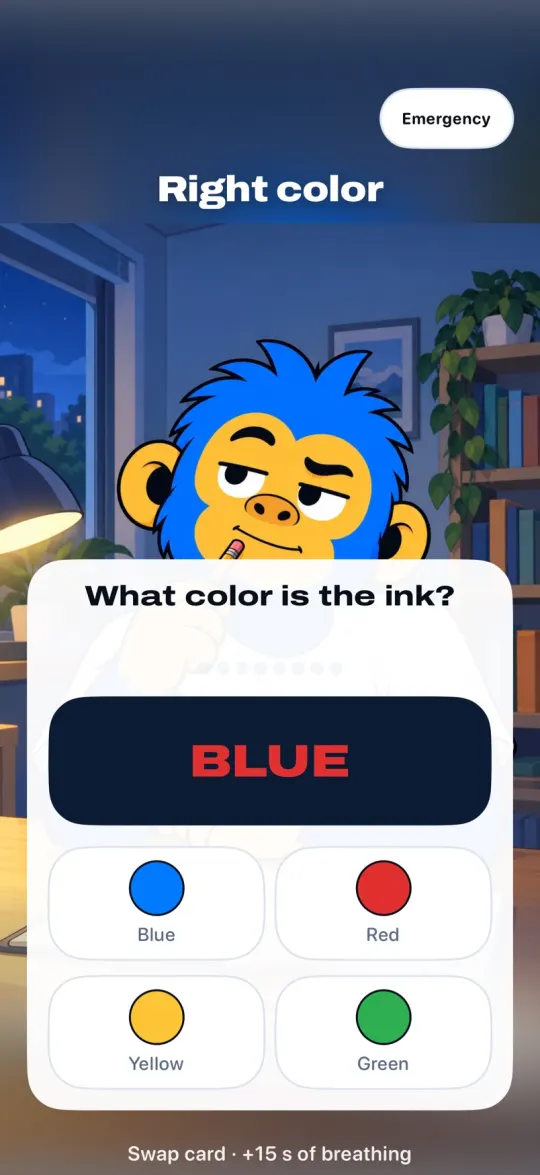
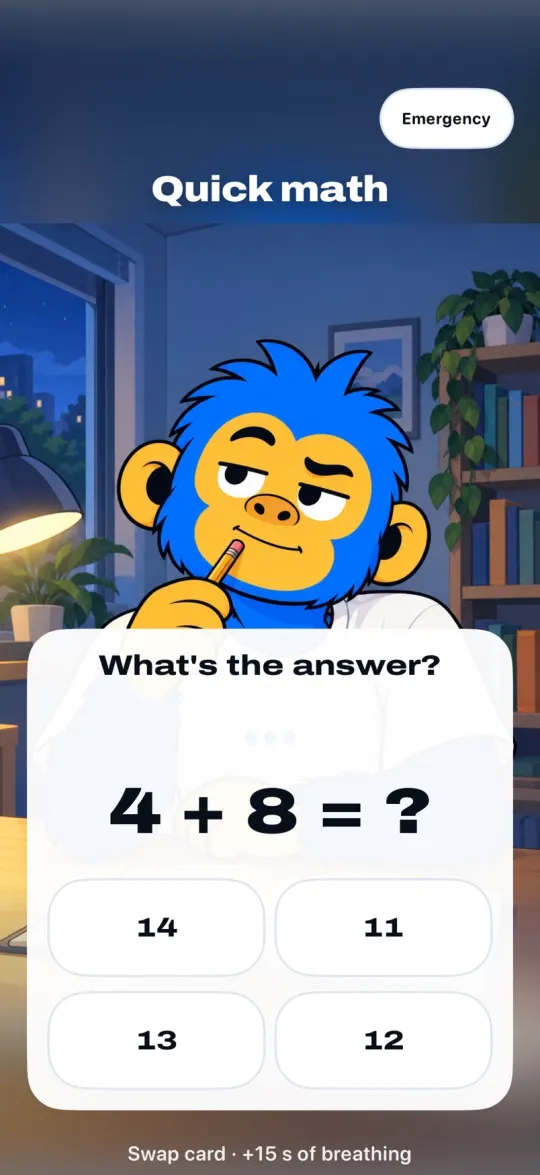
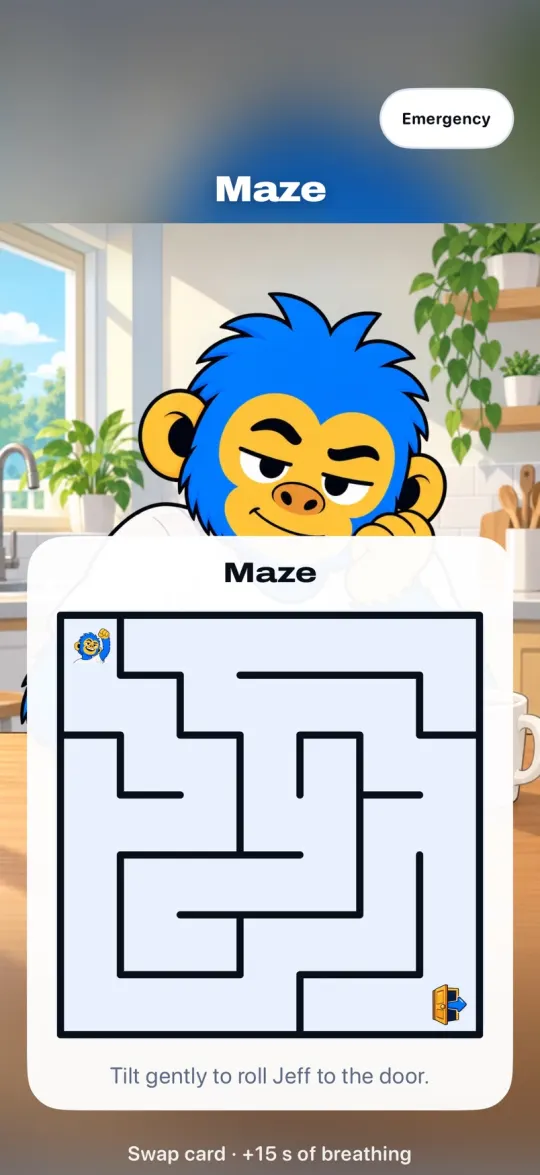
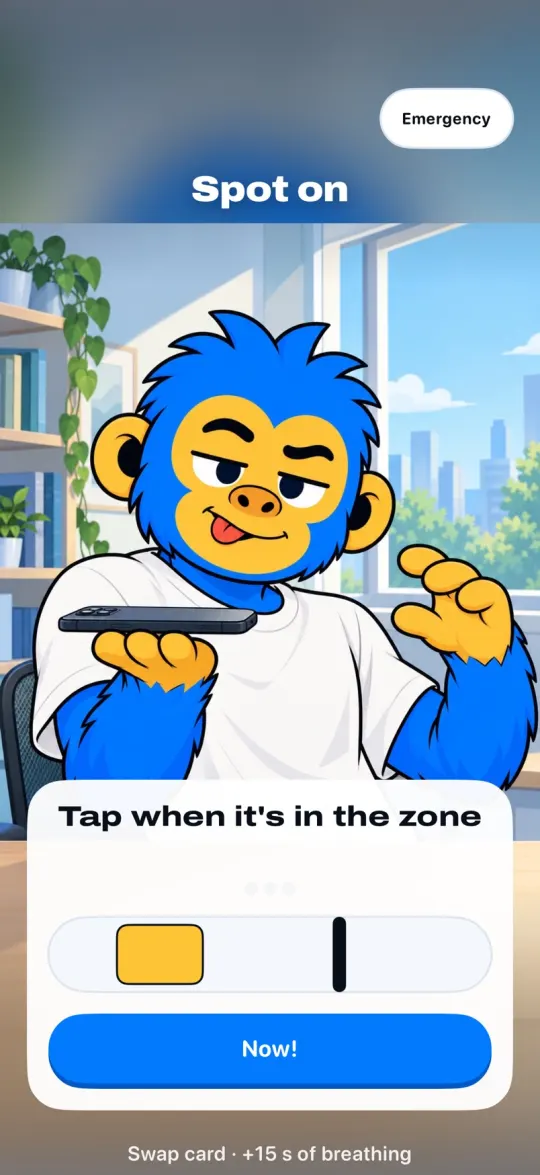
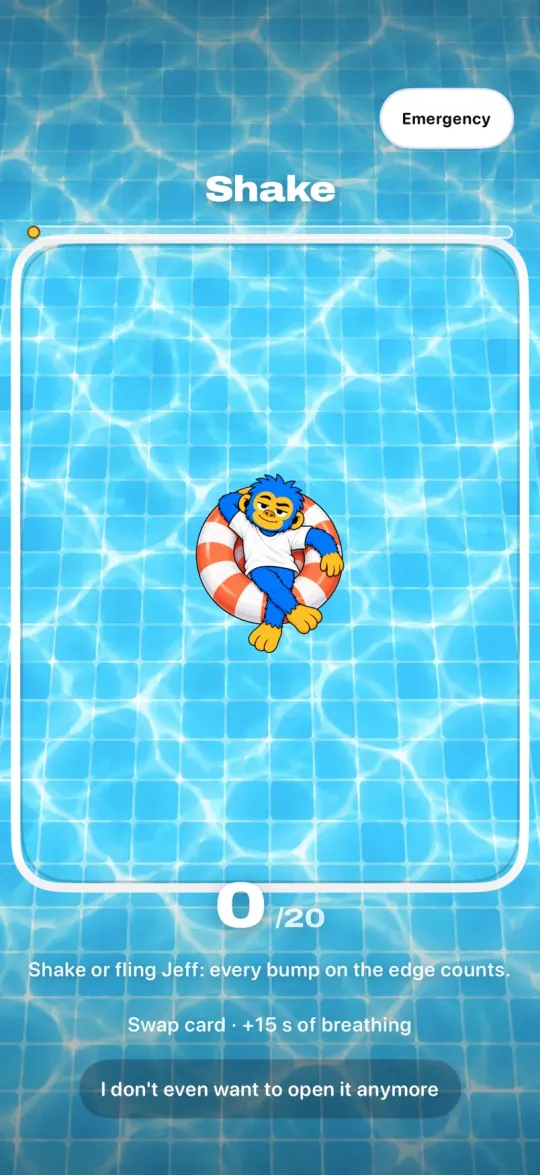
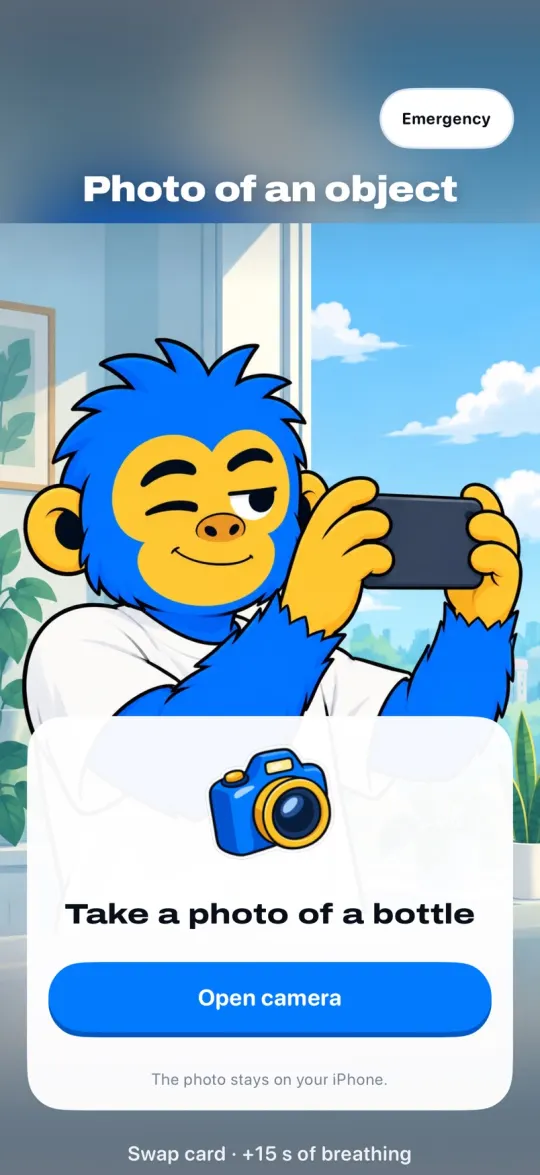
18 challenges. You draw a card.
The more time you ask for, the bigger the challenge. You choose which ones go in the deck.
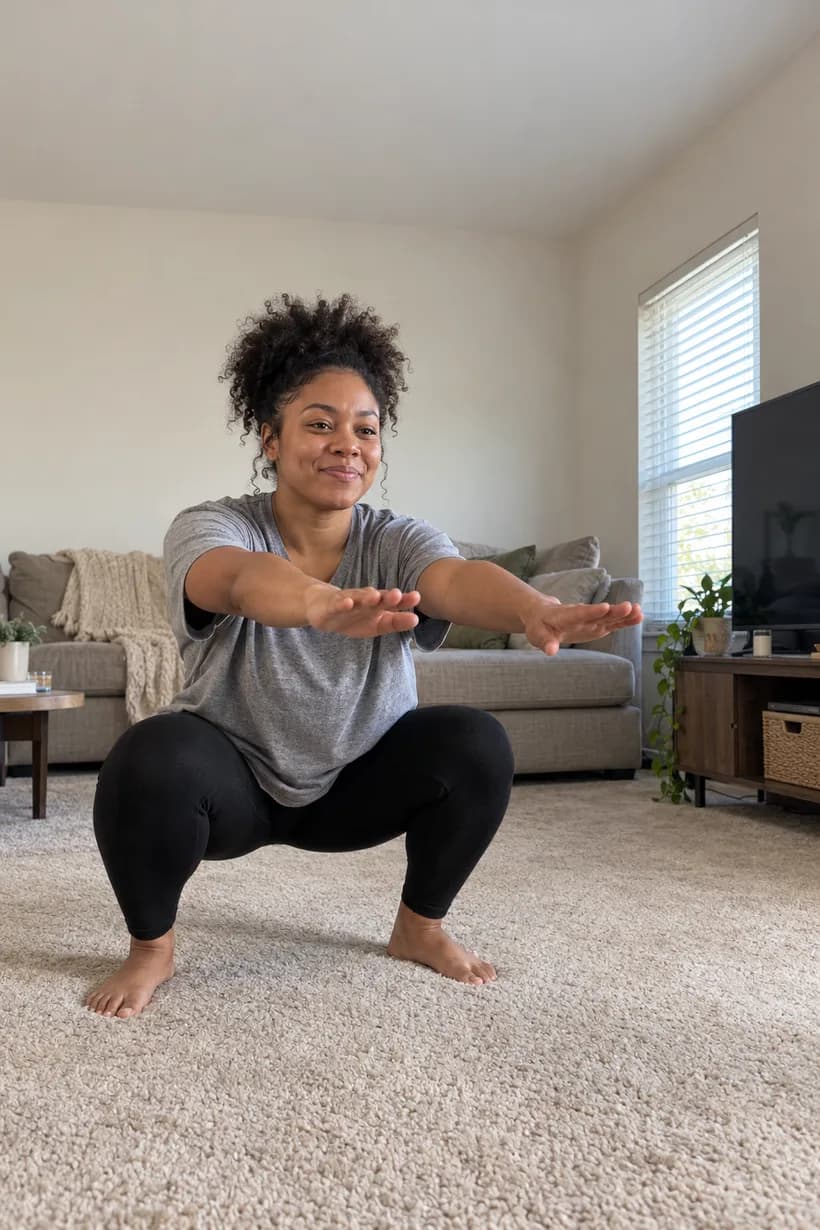
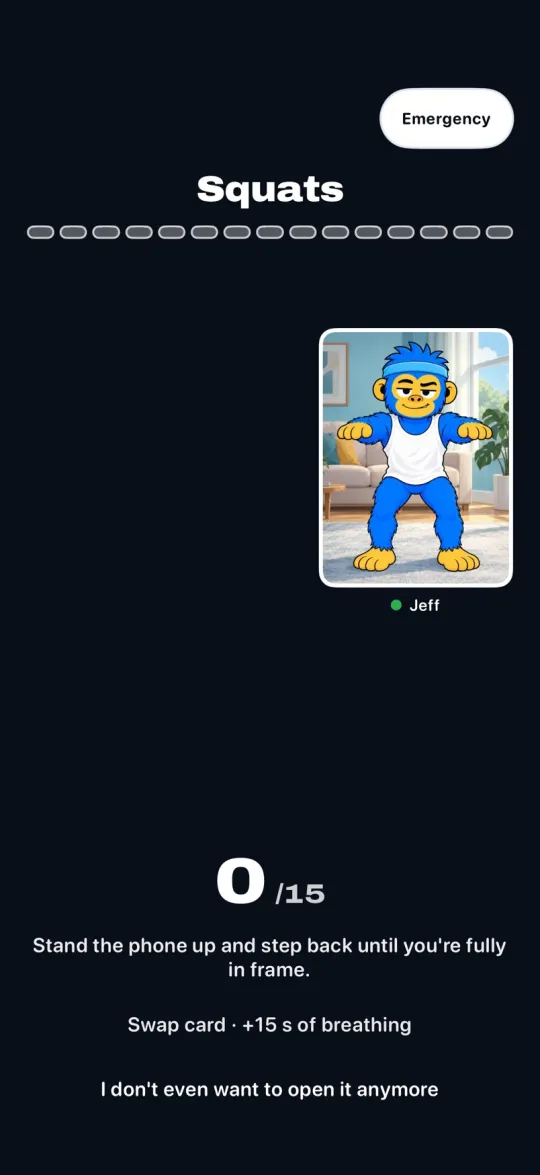
15 squats
The camera counts them for you.

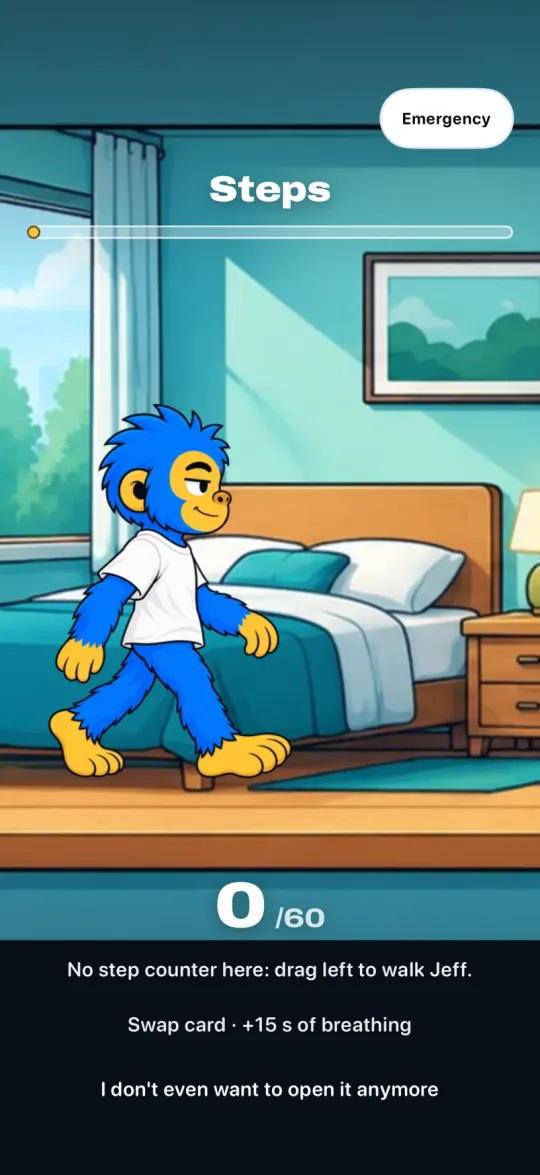
A walk first
Your steps unlock the app.

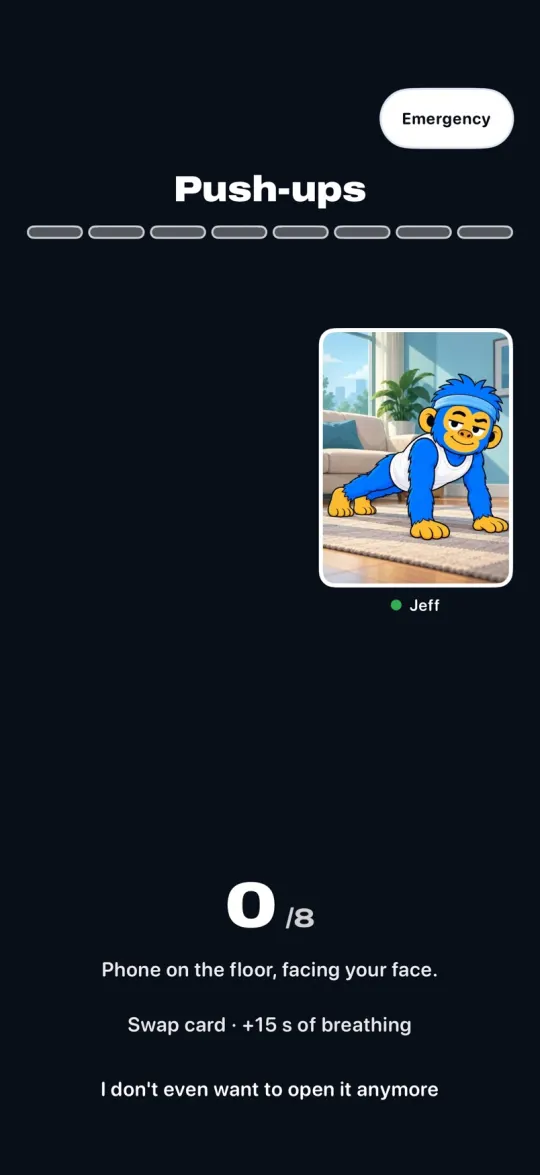
8 push-ups
Phone on the floor, facing you.

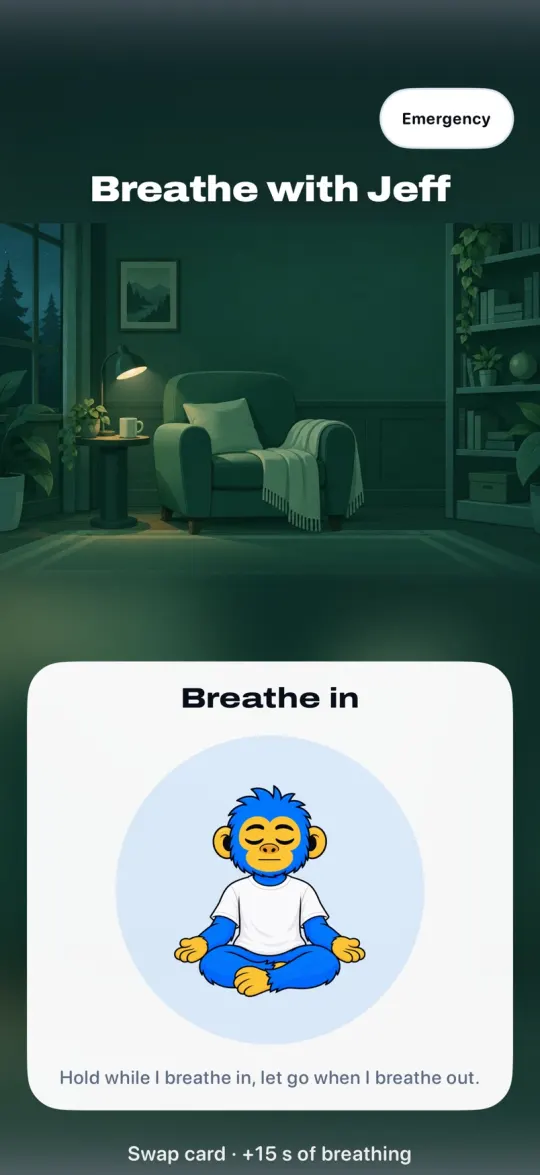
Breathe with Jeff
Breathe in when he does.

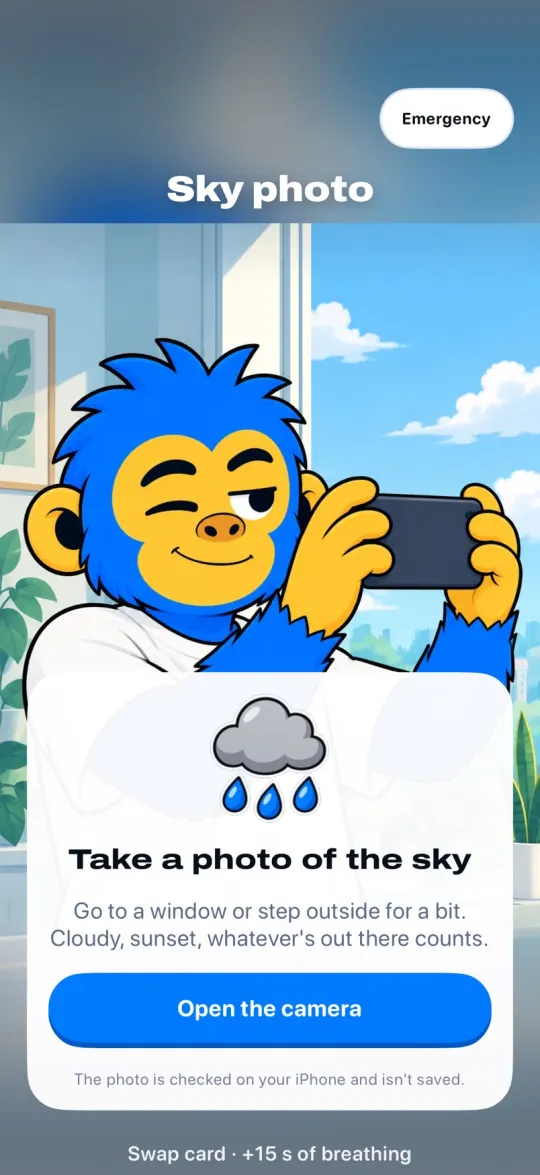
A photo of the sky
When did you last look up?
And there's more:
- Jeff's memory game
- Right color
- Quick math
- Maze
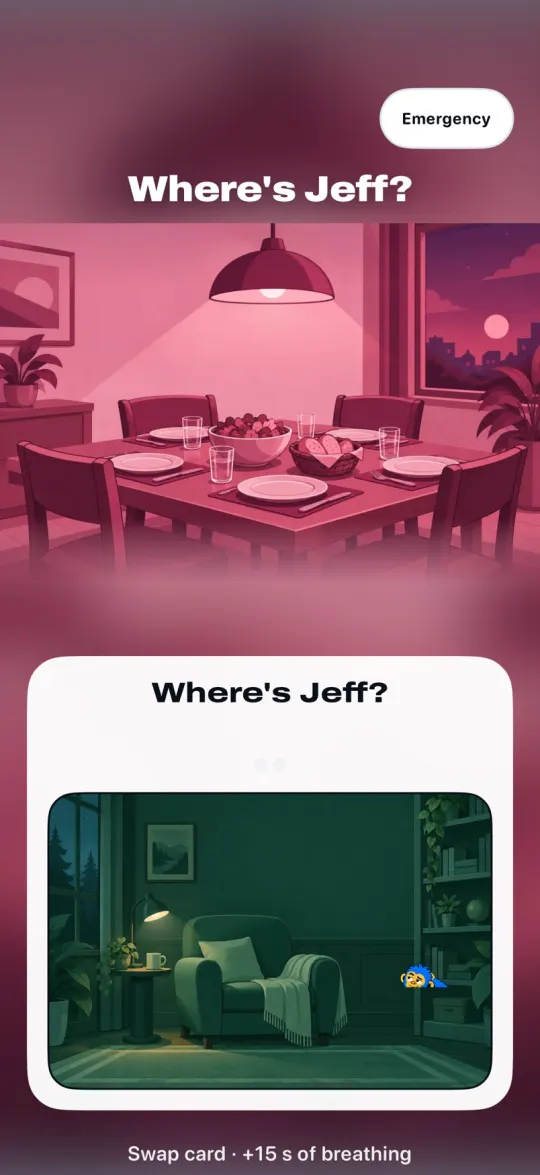
- Where's Jeff?
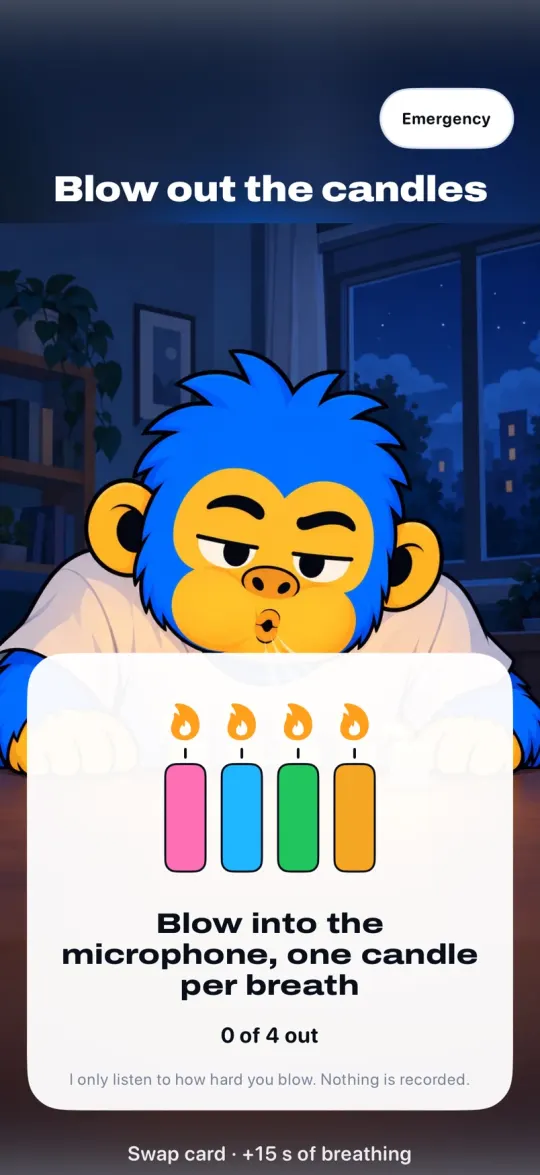
- Blow out the candles
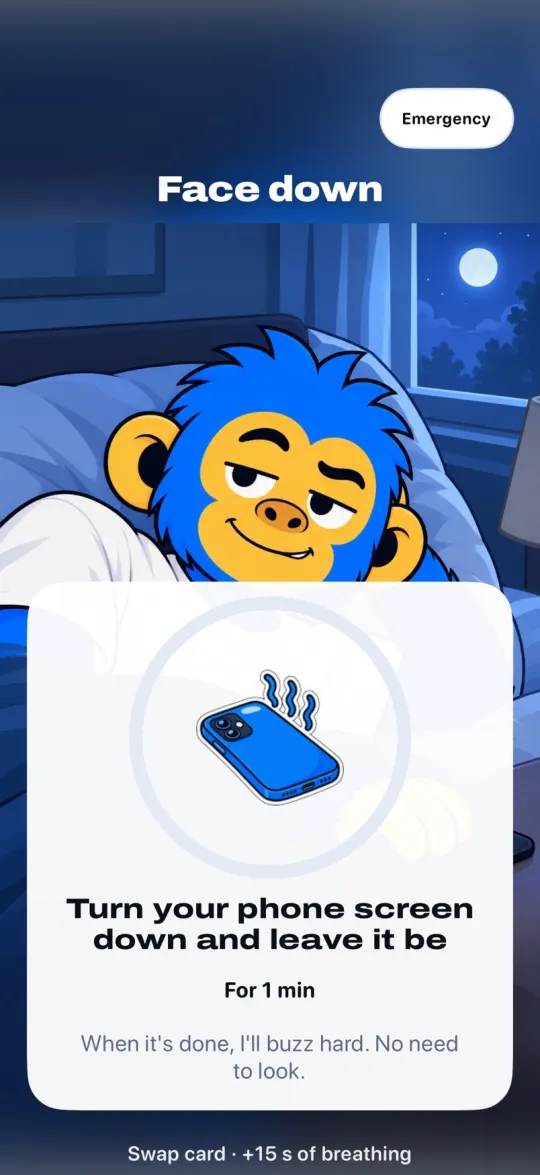
- Face down
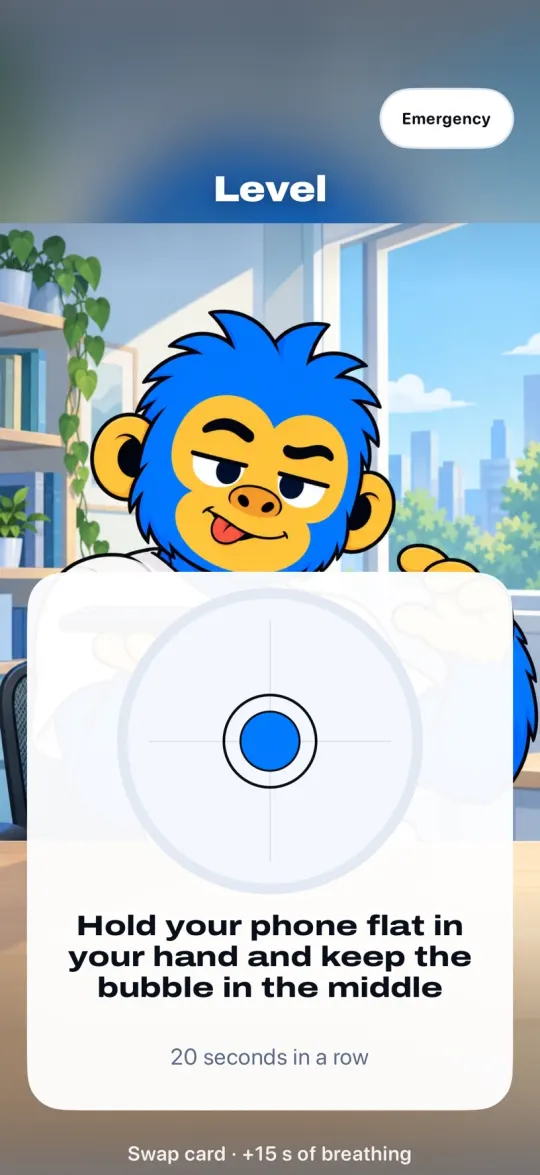
- Level
- Spot on
- Shake
- Photo of an object
How much time goes to your phone
5 hours a day is 76 days a year.
- per week
- 35 h
- per year
- 76 days
- in 10 years
- 2.1 years
Not all of that time is wasted. But how much of it did you want for something else?
*Approximate equivalent in full 24-hour days.

What the press says about time on our phones
Reporting on the problem from major outlets. None of it is about Offimo.
 A break from your smartphone can reboot your mood. Here's how long you needPeople who blocked mobile internet for two weeks mostly felt better, and their attention improved.Read the story
- Doomscrolling too much? Try these tips to put the phone down and plug into real lifeNotice the urge before you reach for the phone, and add friction so your limits are hard to skip.Read the story
 Teens need to press pause on late-night doomscrollingA study links late-night phone use in teens to worse sleep and well-being, and suggests a pause before bed.Read the story
Now imagine getting some of that time back.
You don't have to fill that time with more tasks. It can just be a little more room to do whatever you feel like.
You know what you'd like to do with that time. Offimo helps you look after it, with the kind of support you choose.
More time to:
- Finish that task and call it a day.
- Study and close the book feeling like you got somewhere.
- Go to bed and fall asleep when you get sleepy.
- Have a coffee without rushing back.
- Hear the story of the person you're with all the way to the end.
It could be a finished chapter, a longer conversation, or a night you got to sleep when you wanted.

Offimo is perfect for
You open YouTube in the middle of a chapter and Jeff calls. Sometimes the urge is gone before you pick up.
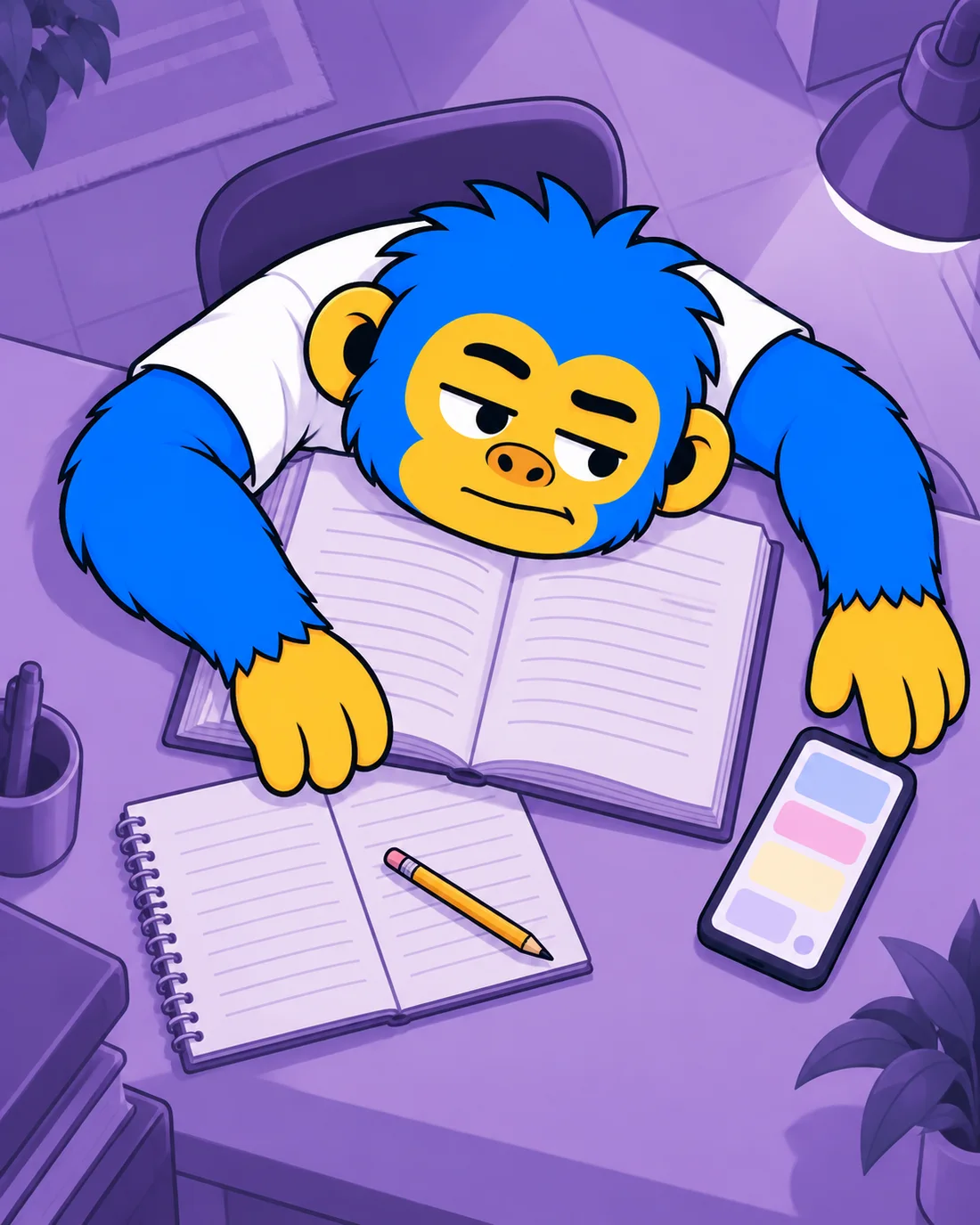
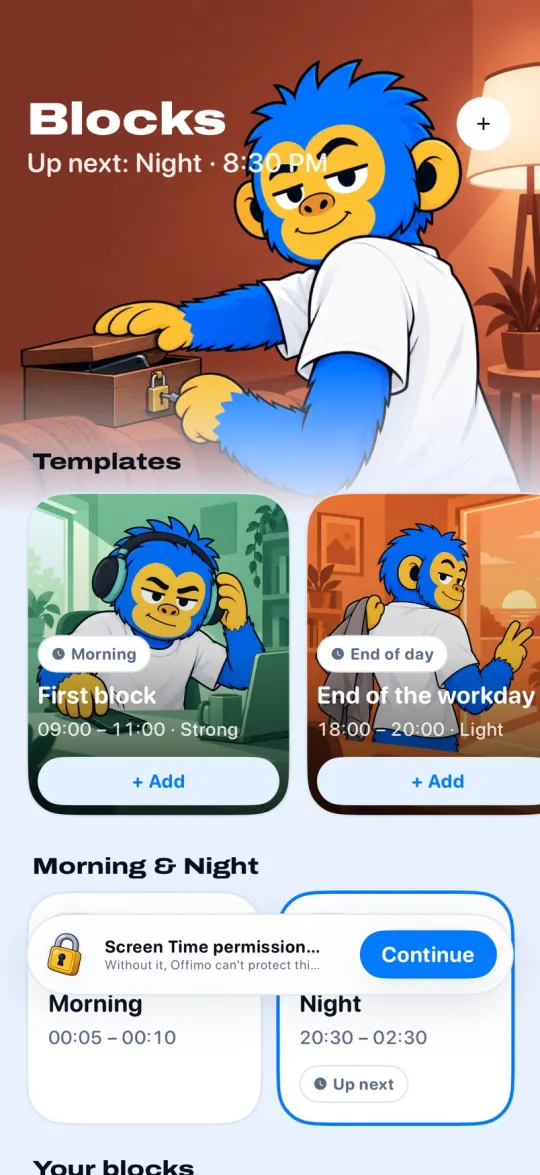
Your focus has a schedule.
Set up your blocks once and blocking starts on its own, right on time.

Why Offimo?
A friend, not a padlock.
Jeff calls, breathes with you, calls you out when you need it and celebrates every pause. A blocker that only says no becomes one more thing to get around.
What you do on your phone stays on it.
Offimo uses Apple's Screen Time. It can't see your chats or what you watch, and your reports stay on your iPhone.
Never leaves you stuck.
Really need it? Emergency Unlock opens everything for 30 minutes, in any mode. It never runs out.

- No ads, ever
- We don't sell data
- For iPhone
Changed your mind? Nice.
Download it today and let Jeff keep an eye on what pulls you in.
Offimo Premium
Monthly or yearly
Billed through your Apple account. You'll see the price in the App Store before you confirm.
- Every challenge, block and session
- Emergency Unlock, always free
- No ads and no data selling
- Cancel anytime in Settings