 Screen time
You deleted the app. The feed is still one address away.
The same pause, now on the sites you choose too.
Offimo applies the same few-second pause to the websites you choose, not only to apps. Sites and apps share one list, and if you still want in, you go in.
- What changes: Site and app on one list, The browser loophole closes, Exceptions you define, No VPN
- Getting started: Download Offimo, Pick your apps, Let the pause work
You take Instagram off your phone on Monday. On Tuesday you're on instagram.com in Safari: same scroll, just without the icon to remind you that you'd decided to leave.
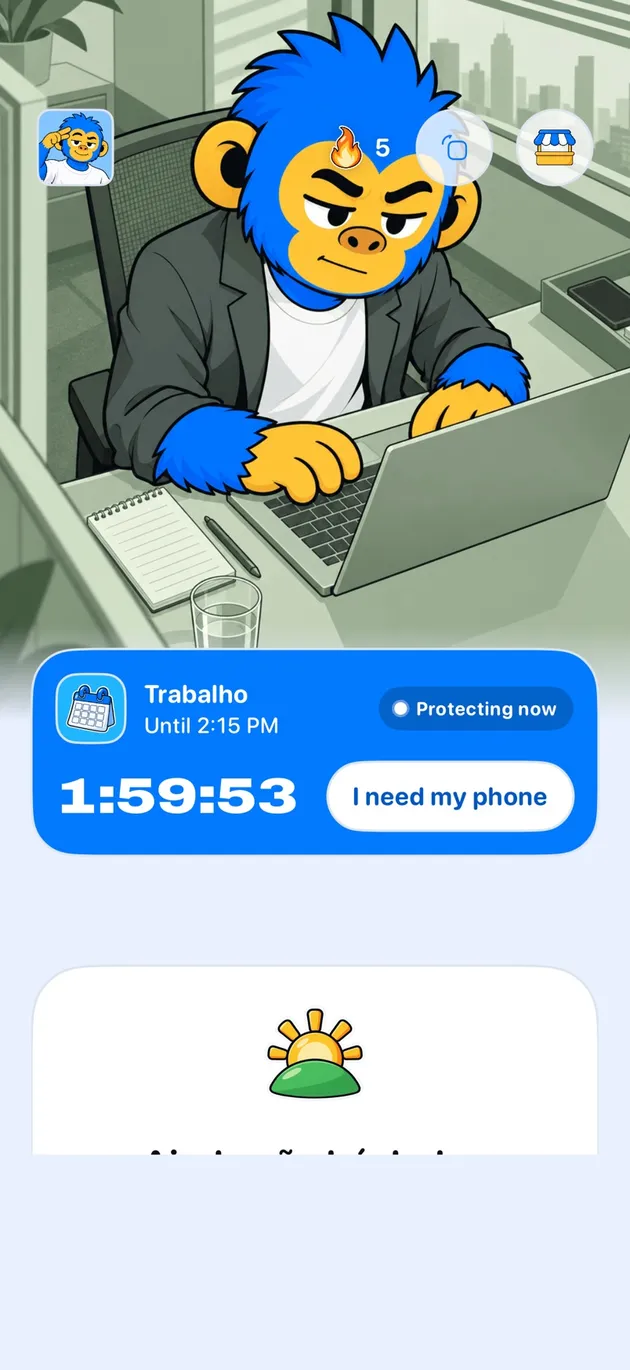
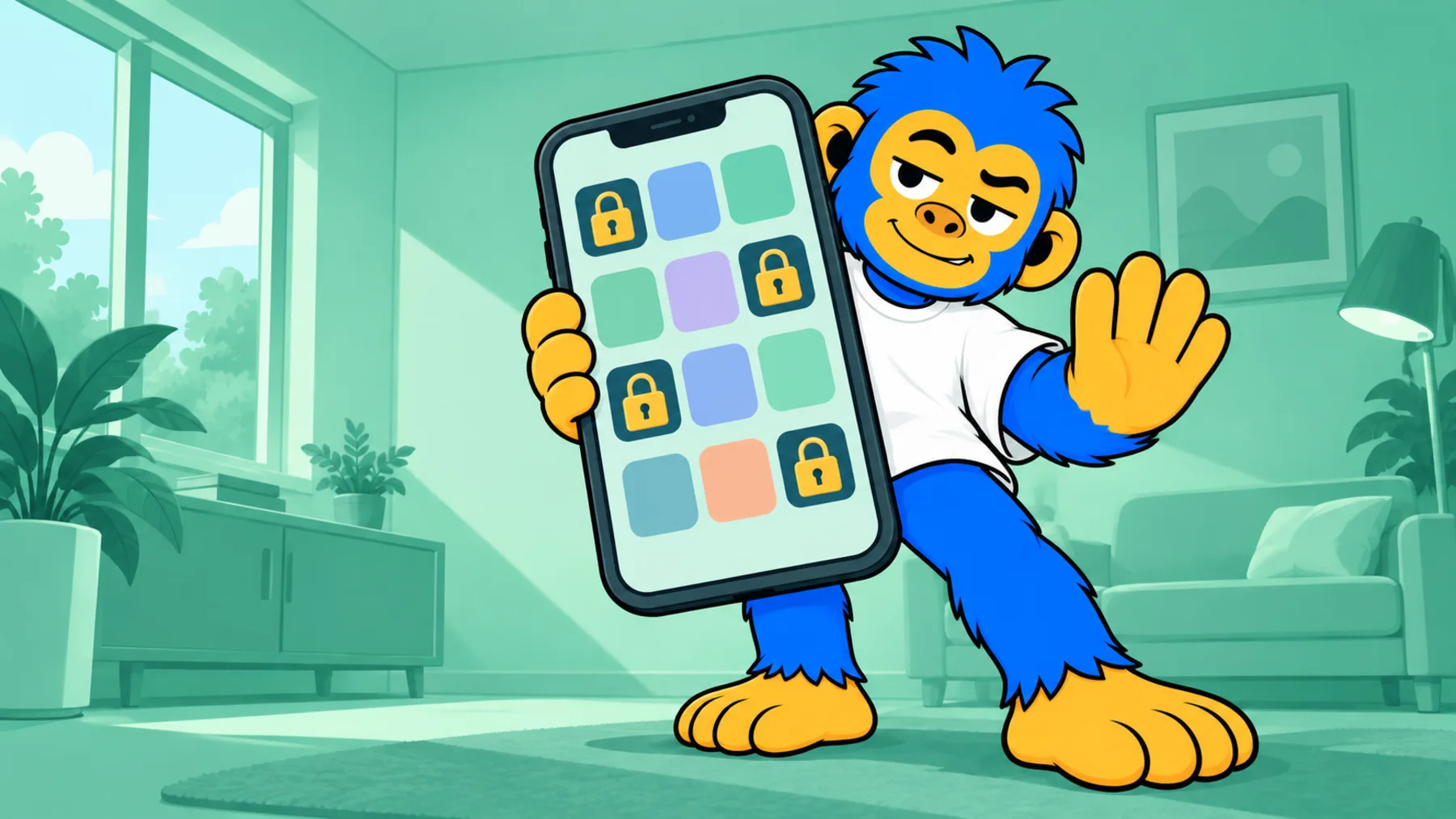
In Offimo, a site you choose gets the same treatment as an app: when you try to open it, access is held for a few seconds and the screen offers to close it or ask for access. If you still want in, you go in. You build the list once, with the apps and sites that pull you most.
What changes
Site and app on one list
Whatever pulls you in, an icon or an address, goes on the same protection list.
The browser loophole closes
Deleting the app stops being the only way out. The site you chose goes through the same pause.
Exceptions you define
If your work or study depends on a site that also distracts you, leave it off the list or ask for access on the spot.
No VPN
Protection uses iOS Screen Time, with no VPN and no profile to install.
Getting started
- 1
Download Offimo
Install from the App Store and finish the initial setup.
- 2
Pick your apps
Choose which apps and sites deserve a pause before they open. Change it whenever you like.
- 3
Let the pause work
Next time you tap the icon, the pause appears, and the decision is yours again.
Frequently asked questions
Can I block just part of a site?
Today the pause applies to the whole site, not to one section. To limit only a part, combine the pause with a rule you set yourself.
What if I need access right now?
With the simple pause, asking for access takes you to the site. In Commitment Mode it depends on the level, and Emergency Unlock lifts everything for 30 minutes.
Isn't deleting the app simpler?
Deleting fixes the icon, not the habit: you can reinstall or open the site. The pause sits in the way of both.
See also
Read more on this topic
Screen time Digital detox
 ADHD
ADHD