 Social media
The report shows the number. Offimo acts when you open the app.
Use Screen Time to measure and the pause to change.
iPhone Screen Time measures, and one tap on Ignore Limit undoes its limits. Offimo complements it by holding access for a few seconds when you open a protected app.
- How the two add up: Measure first, A limit that doesn't give way in one tap, Choose per app, Compare the week
- Getting started: Download Offimo, Pick your apps, Let the pause work
iPhone Screen Time shows time per app, how many times you picked up your phone and how many notifications arrived, and that's already useful. What it doesn't do is stop the limit from becoming a suggestion: one tap on Ignore Limit does it.
Offimo complements it instead of replacing it. You keep reading the iPhone report, and when you open a protected app, Offimo holds access for a few seconds. It's for people who want to act on the number, not only see it.
How the two add up
Measure first
The weekly iPhone report shows where the time goes. Write down the two apps that weigh the most.
A limit that doesn't give way in one tap
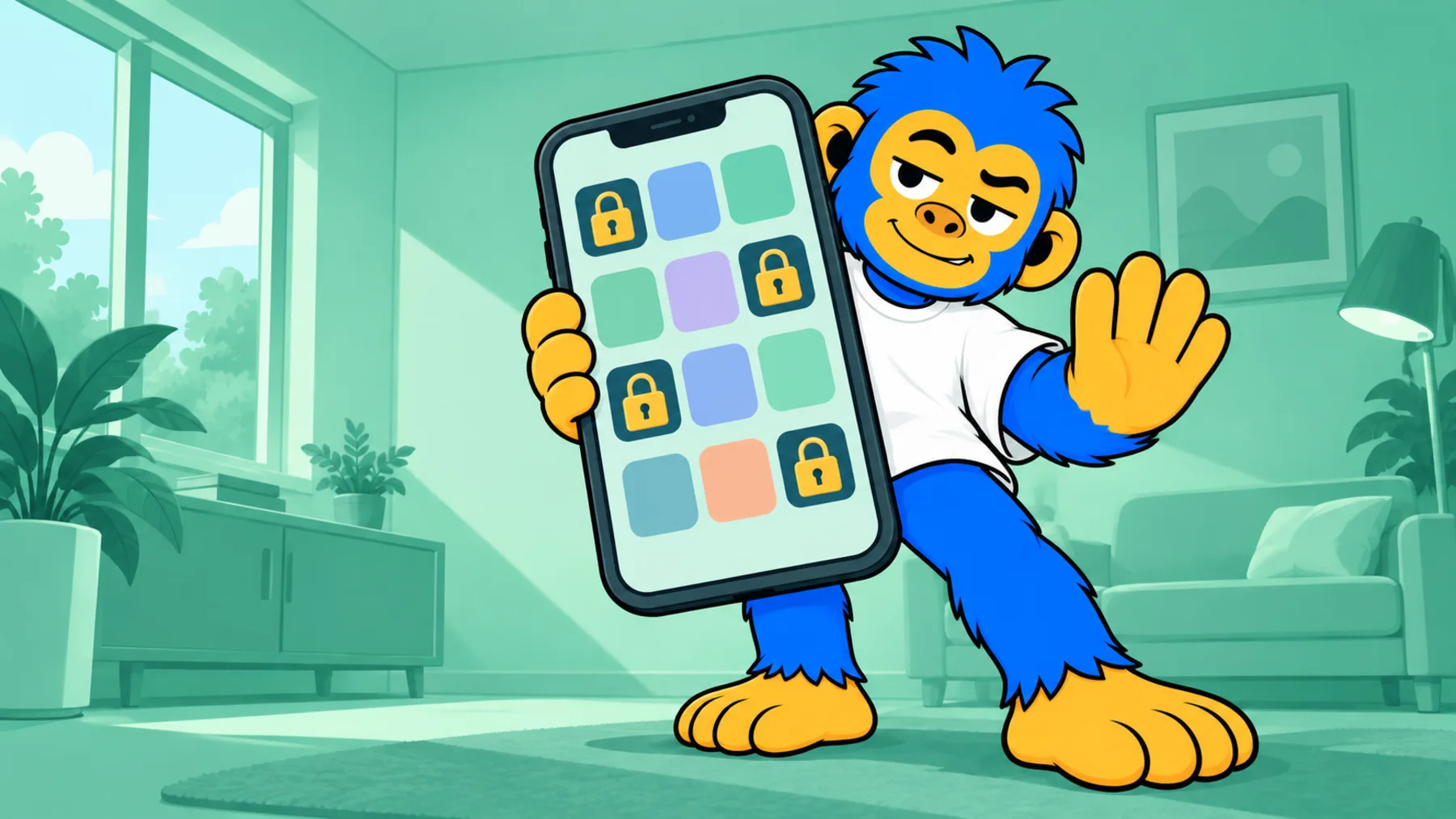
Instead of Ignore Limit, Offimo offers the pause and, if you want it firmer, Commitment Mode.
Choose per app
You decide which apps the pause applies to, instead of limiting the whole phone.
Compare the week
Look at the report again next week and check whether the number moved.
Getting started
- 1
Download Offimo
Install from the App Store and finish the initial setup.
- 2
Pick your apps
Choose which apps and sites deserve a pause before they open. Change it whenever you like.
- 3
Let the pause work
Next time you tap the icon, the pause appears, and the decision is yours again.
Frequently asked questions
What is a healthy amount of screen time?
There's no single number. It depends on what you do on the screen: an hour of work video calls isn't the same as an hour of feed.
Does Offimo replace Screen Time?
No. It complements what iOS already measures, with a pause before the apps you choose open.
Can I use it to track my kids' usage?
No. Offimo is a personal app: whoever uses it installs and configures it. It has no dashboard for a guardian.
See also
Read more on this topic
Social media Digital detox
 Screen time