 Screen time
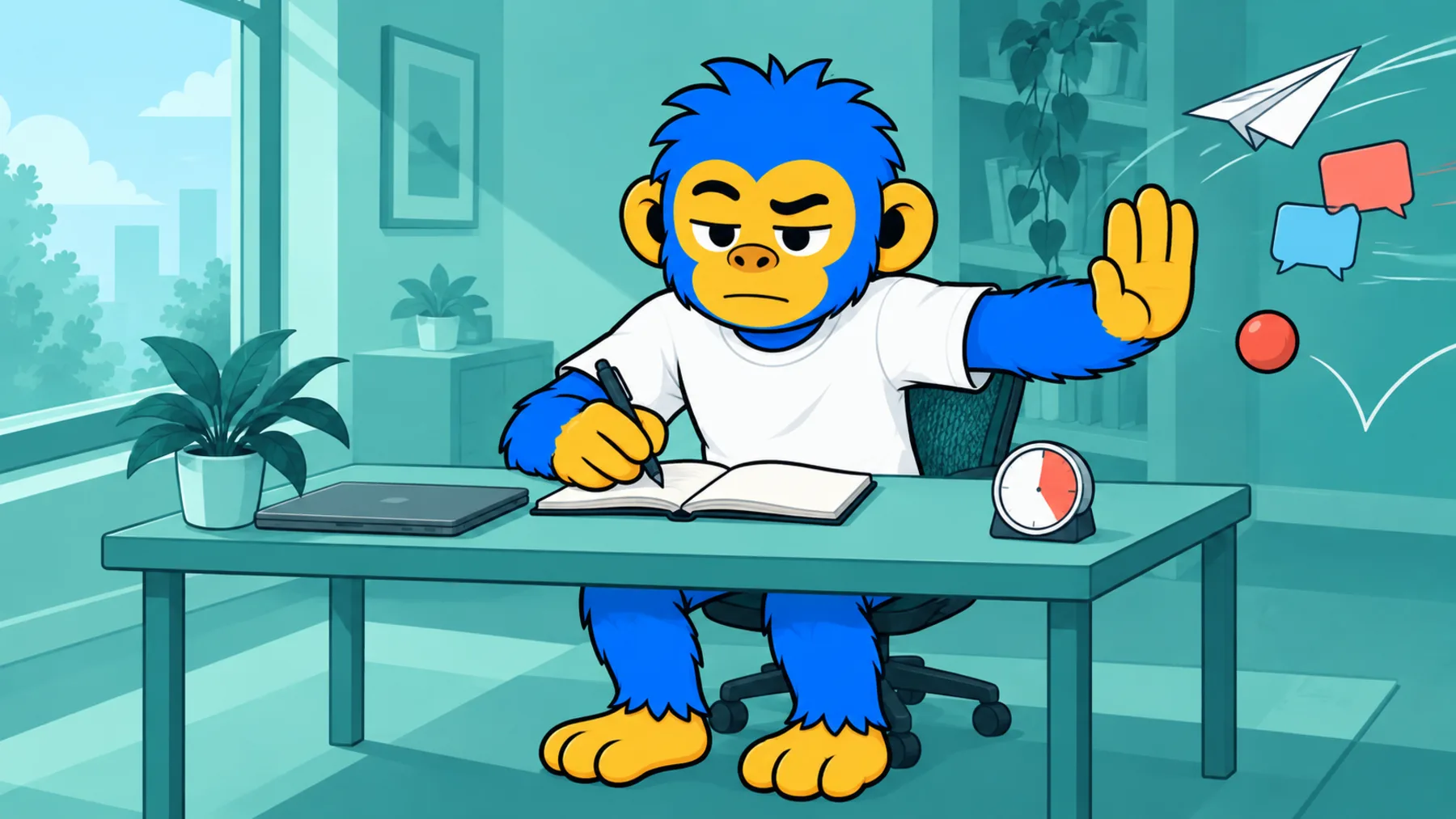
An app blocker that doesn't turn into a suggestion by eleven a.m.
A pause by default. You choose how firm it gets.
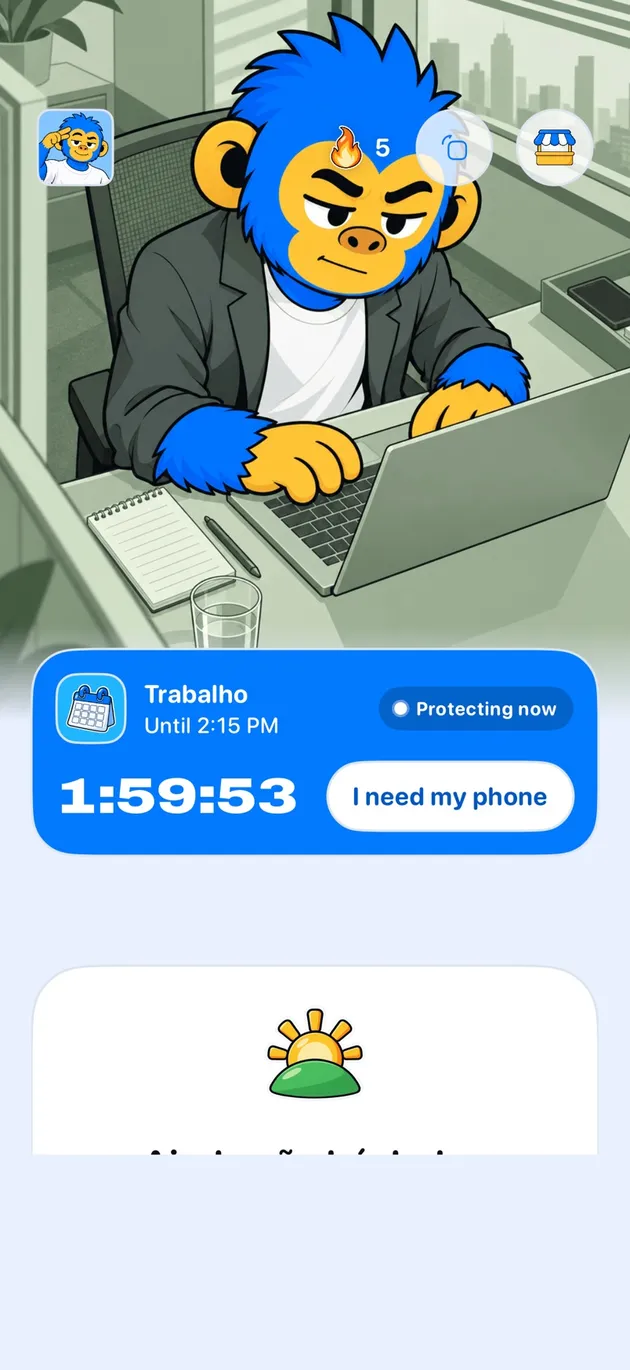
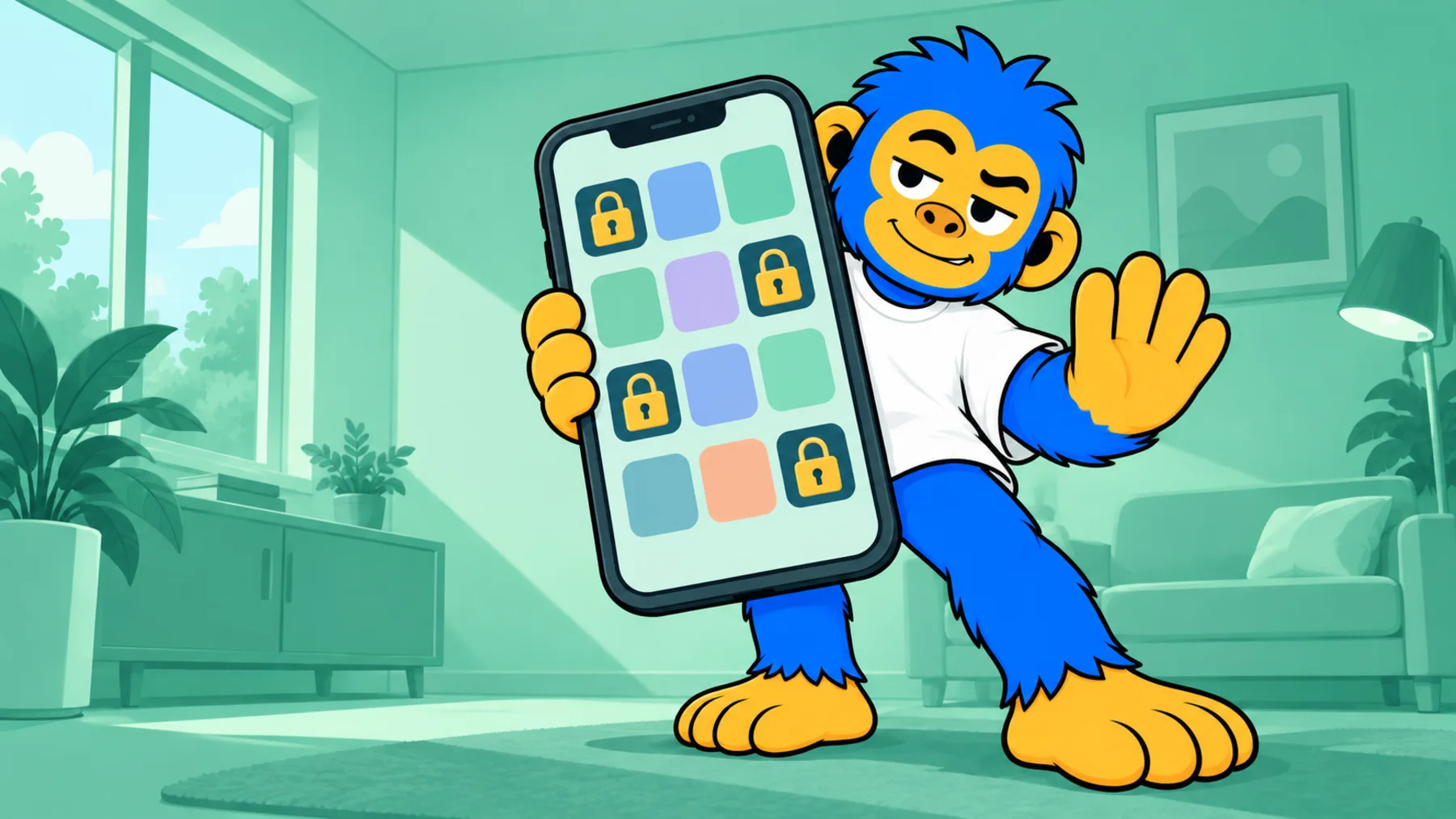
Offimo is an app blocker for iPhone that holds access for a few seconds when you open a protected app, then lets you close it or ask for access. Commitment Mode makes the block firmer for the period you choose.
- What you control: Which apps, When it applies, How firm, A way out for surprises
- Getting started: Download Offimo, Pick your apps, Let the pause work
You set a limit in the morning. By eleven, the iPhone shows Ignore Limit, you tap it without thinking, and the rule is now a suggestion. The problem with ordinary blockers isn't the rule: it's that undoing the rule costs one tap.
With Offimo, when you try to open an app you've protected, access is held for a few seconds and the screen offers Close app or Ask for access. If you still want in, you go in. On the days you've already decided not to negotiate, Commitment Mode keeps the block for the period you chose.
What you control
Which apps
You pick the apps that deserve the pause, like TikTok, Instagram, YouTube or X, and change the list whenever you like.
When it applies
If you want, protection applies only at certain times, like work hours or the evening.
How firm
The simple pause lets you in if you insist. In Commitment Mode, leaving early costs more: at Strong, you breathe for a minute and hold the button; at Armored, the block stays until the time you picked.
A way out for surprises
Emergency Unlock lifts everything for 30 minutes, at any level, for when you really need it.
Getting started
- 1
Download Offimo
Install from the App Store and finish the initial setup.
- 2
Pick your apps
Choose which apps and sites deserve a pause before they open. Change it whenever you like.
- 3
Let the pause work
Next time you tap the icon, the pause appears, and the decision is yours again.
Frequently asked questions
Does Offimo block the app completely?
It depends on how you set it up. By default it pauses before the app opens and you decide whether to go in. In Commitment Mode the block is firmer for the period you chose.
Does it work with any app?
It works with the apps iOS lets you manage through Screen Time. You pick from the app list on your iPhone.
Do I have to set it up again every week?
No. The setup stays saved until you change the list, the schedule or the mode.