 Screen time
A phone rule students can keep after the bell
For anyone thinking about phones and focus beyond the classroom.
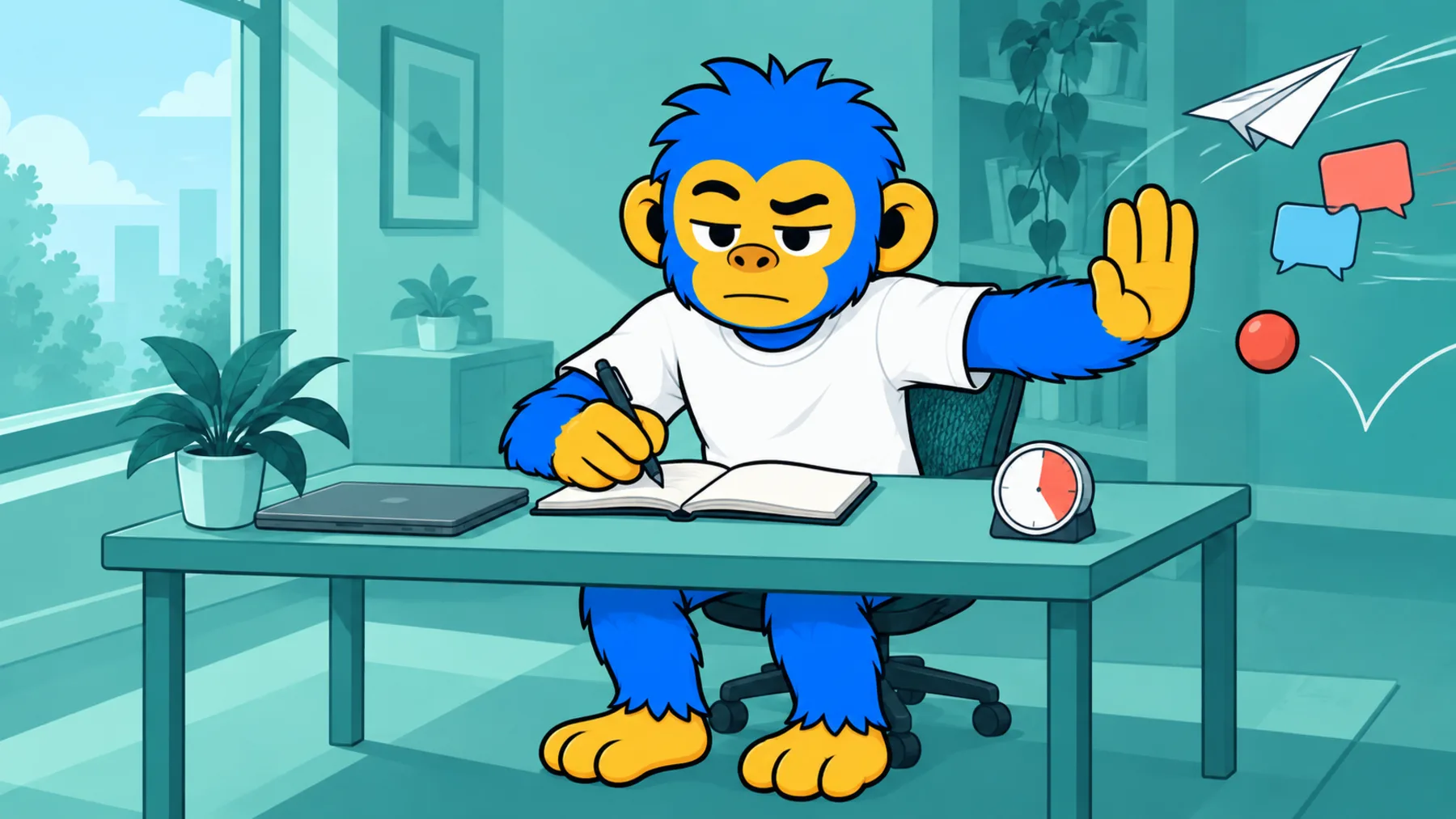
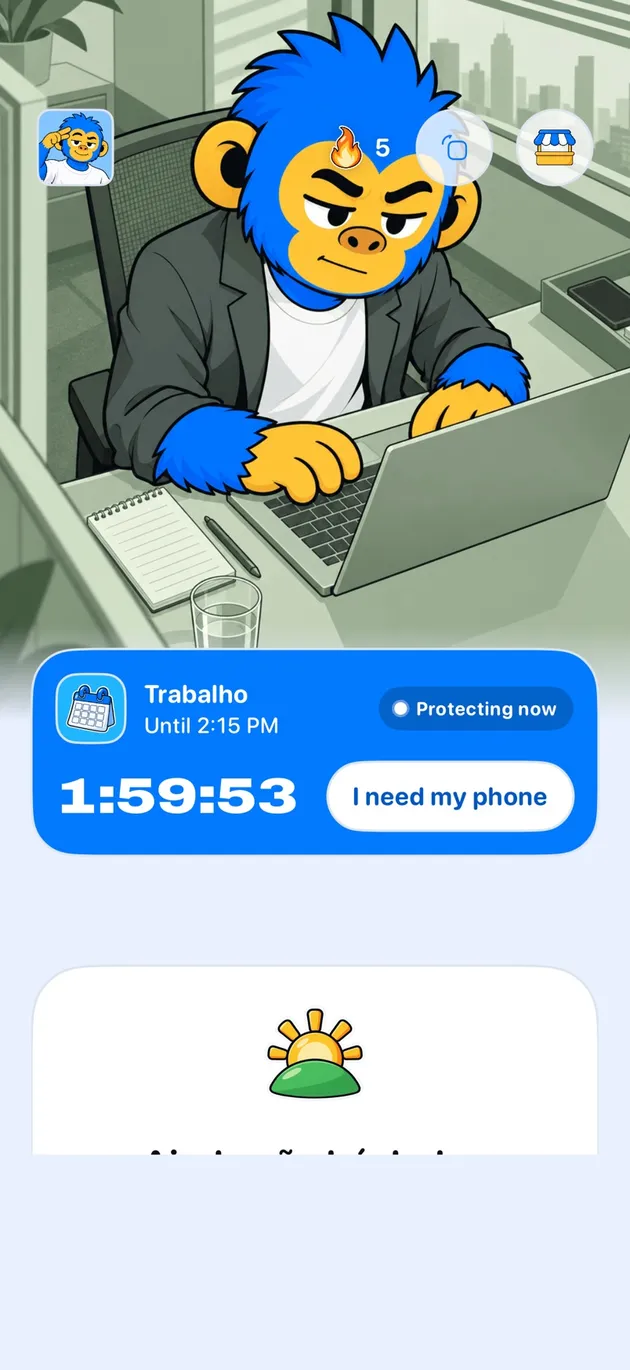
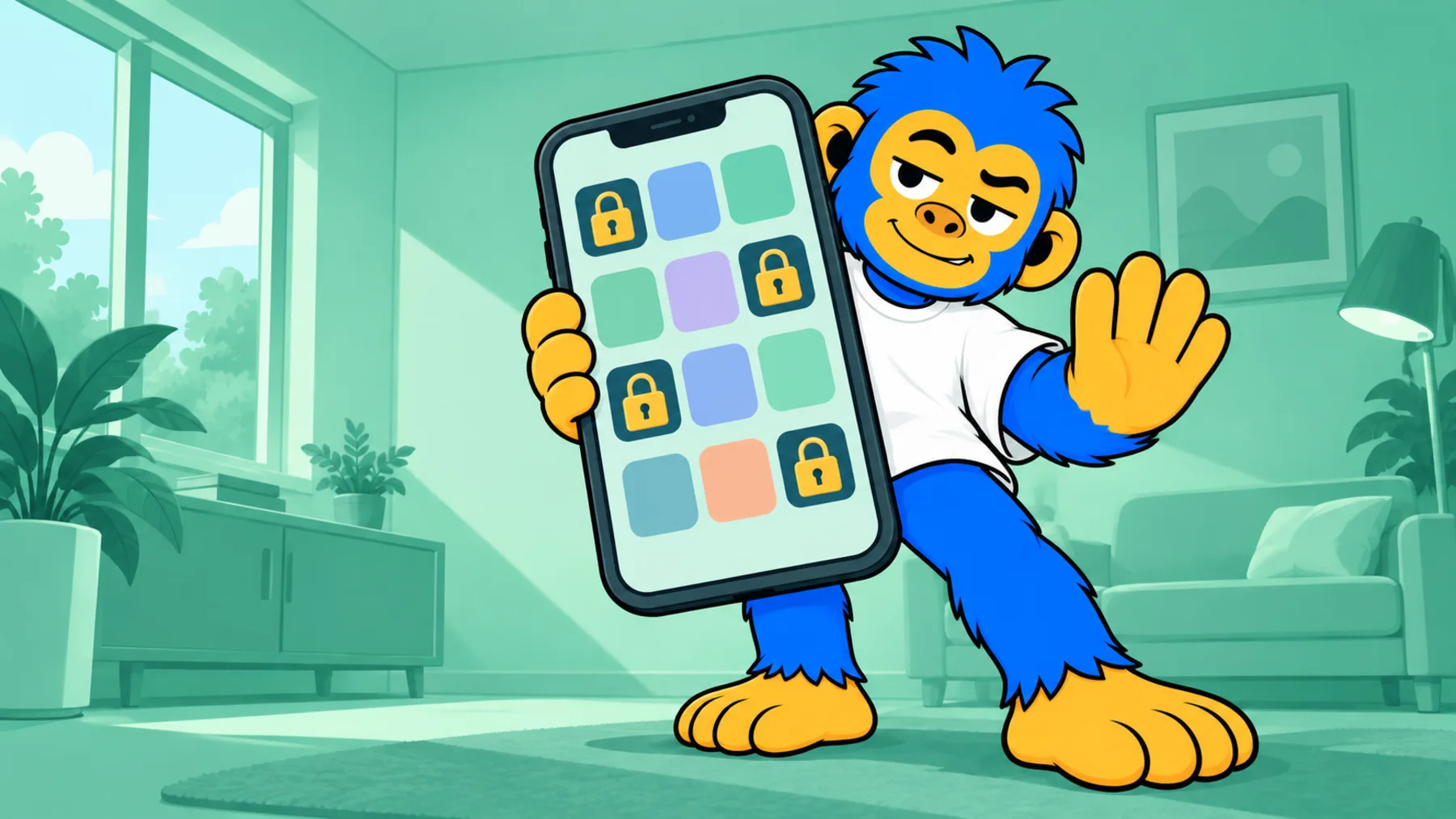
Offimo is a personal app: the student installs, configures and controls it, and the school has no dashboard or access to anyone's usage. It is meant for a habit that outlasts the classroom rule.
- What changes for a school: Works after the bell, In the student's hands, Teachable, Nothing reported
- Getting started: Download Offimo, Pick your apps, Let the pause work
Collecting phones at the classroom door fixes the lesson and nothing else. Homework and evening review, when nobody supervises, fall outside the school's rule.
Offimo is a personal app: the student installs, configures and controls it. That's a limitation if you're looking for oversight, because the school has no dashboard or access to anyone's usage. And it's the point if you're looking for a habit the student carries out of the building.
What changes for a school
Works after the bell
The rule lives on the student's phone, at home, at the hours they choose.
In the student's hands
Whoever uses it decides the apps and the hours.
Teachable
The topic can become a classroom conversation without anyone being monitored.
Nothing reported
Not the school, not teachers, not guardians see the usage.
Getting started
- 1
Download Offimo
Install from the App Store and finish the initial setup.
- 2
Pick your apps
Choose which apps and sites deserve a pause before they open. Change it whenever you like.
- 3
Let the pause work
Next time you tap the icon, the pause appears, and the decision is yours again.
Frequently asked questions
Can the school manage this centrally?
No. There's no admin console or bulk rollout.
Can teachers or guardians see the usage?
No. Offimo reports usage to no one.
Does it replace the school's phone policy?
No. The school's rule covers the lesson, and Offimo covers what happens on the student's phone outside it, if they want that.