 Screen time
A focus block with a visible ending
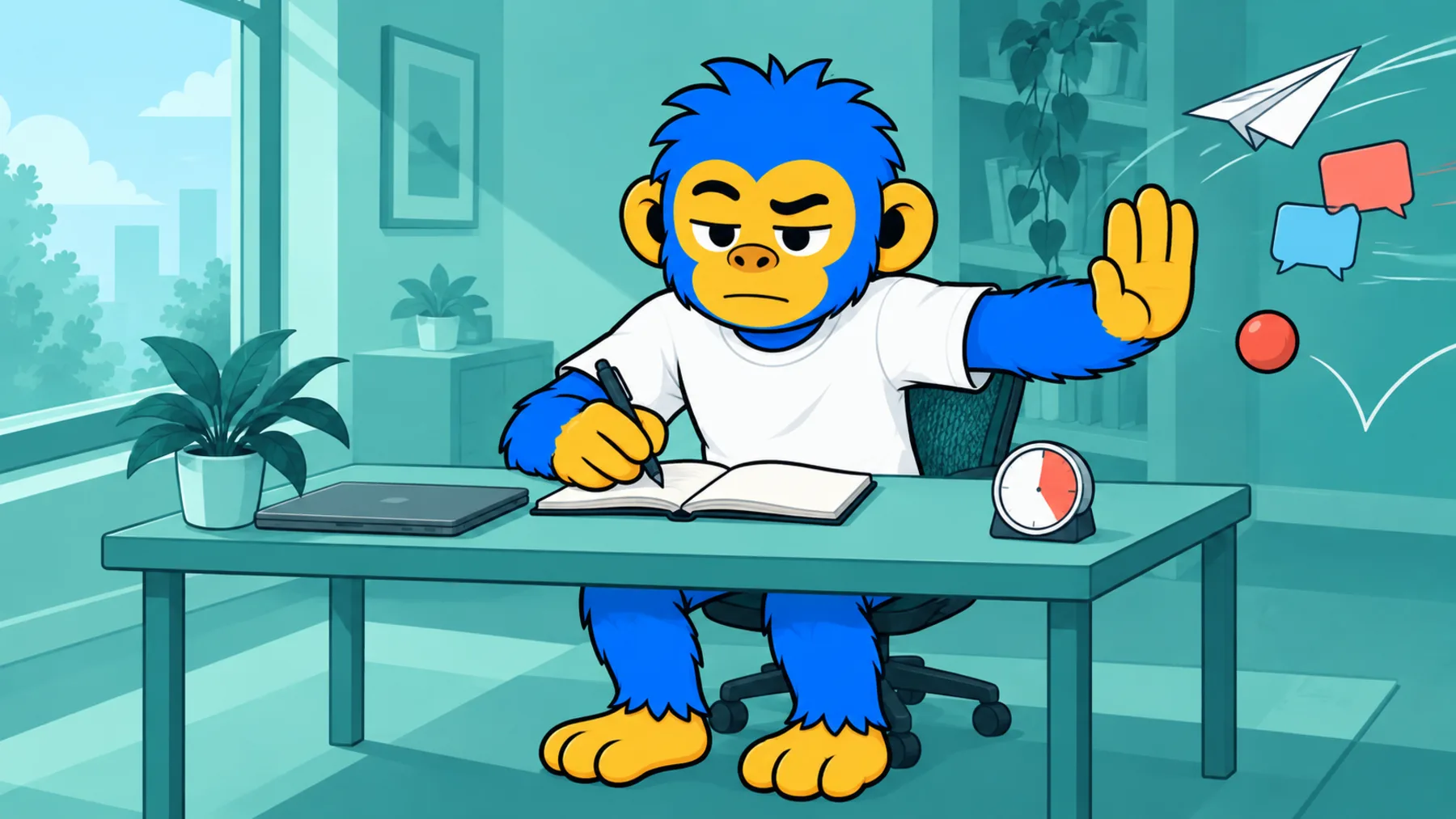
Attention holds far better when it knows when it gets to stop.
25:00Focus
No blocks finished yet
The countdown runs against the clock, not against the tab, so it stays accurate if you switch away. Leave this tab open to keep it running.
A free pomodoro timer that runs in your browser, with 25/5, 50/10 or 90/20 blocks. It tracks your cycles and keeps the countdown in the tab title.
- You enter: A block length. Pick one and start.
- You get: A countdown with a visible end and a cycle count.
- Cost: Free, runs in your browser.
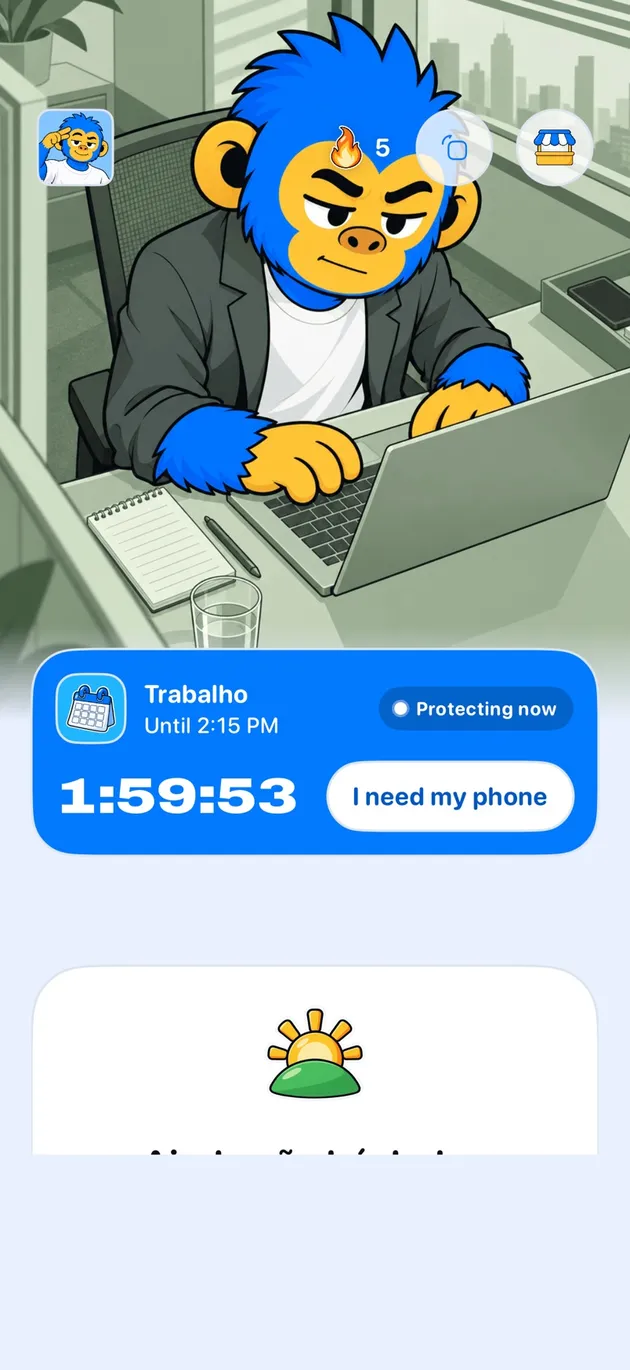
The timer holds the block. Offimo holds the door.
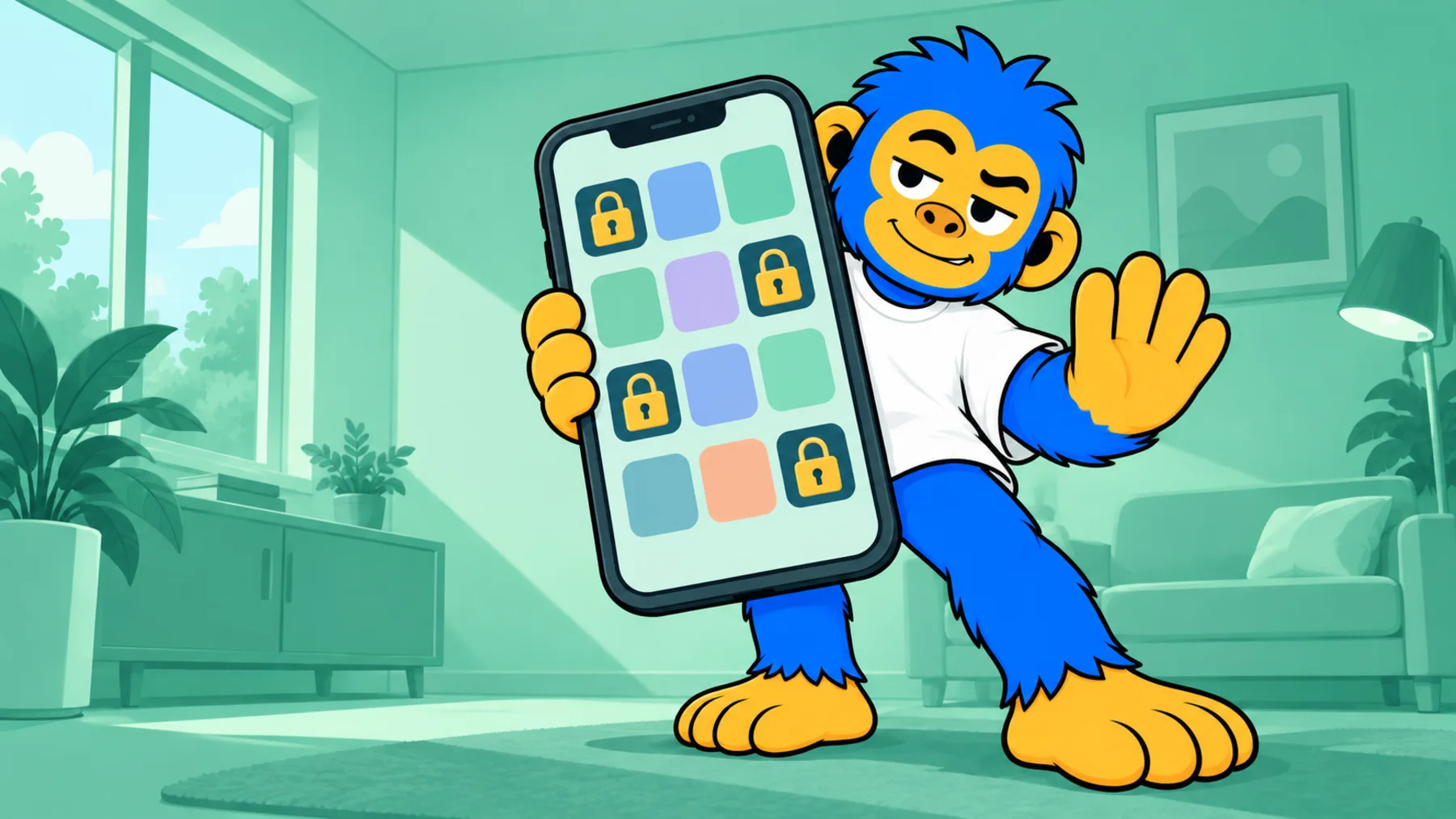
Commit to a focus window in Offimo and the apps that usually interrupt it stay closed until it ends.
"Work all morning" is not a plan your attention can follow, because it has no ending in it. A block with a visible end is easier to hold, and the break at the end is what makes the next one possible.
This timer does one thing and does not ask for anything. Pick a length, start it, and let the ending be somebody else's problem.
Which block length to pick
Twenty-five minutes is the right size when starting is the hard part: it is short enough that beginning costs almost nothing, which is precisely the point.
Fifty minutes suits work you already know how to do. Ninety suits work that needs a long run-up, where the first fifteen minutes are spent rebuilding context and stopping early wastes all of it.
The break is part of the method
A break spent on the same feed you were avoiding is not a break; it is a smaller version of the thing that was interrupting you. You come back with less than you left with.
Stand up, look out a window, get water. The point of the pause is to stop looking at a screen, which is hard to arrange if the pause is itself a screen.
Where a timer stops helping
A timer manages your time. It does nothing about the impulse to check something halfway through a block, and that is the interruption that actually costs you: not the minute it lasts, but the several minutes of rebuilding afterwards.
That is a different problem and it needs a different mechanism: something between the impulse and the app, at the moment of the tap. A timer cannot reach that moment; it is not running in the place where the decision happens.
Frequently asked questions
Does it keep running if I switch tabs?
Yes. It counts down against the system clock rather than ticking, so a backgrounded tab comes back showing the correct time. The countdown also appears in the tab title while it runs.
Does it make a sound?
No. Browsers block sound from tabs you are not looking at anyway, so the timer signals visually and keeps the remaining time in the tab title instead.
Why does it not start the next block automatically?
Because an auto-started break becomes an auto-started hour. Ending each phase deliberately keeps you in charge of the session rather than the other way round.
Is my session saved?
No. The cycle count lives in the page and resets when you reload. Nothing is stored or sent.