 Parenting
Phone rules the whole household can keep
Everyone configures their own phone, parents included.
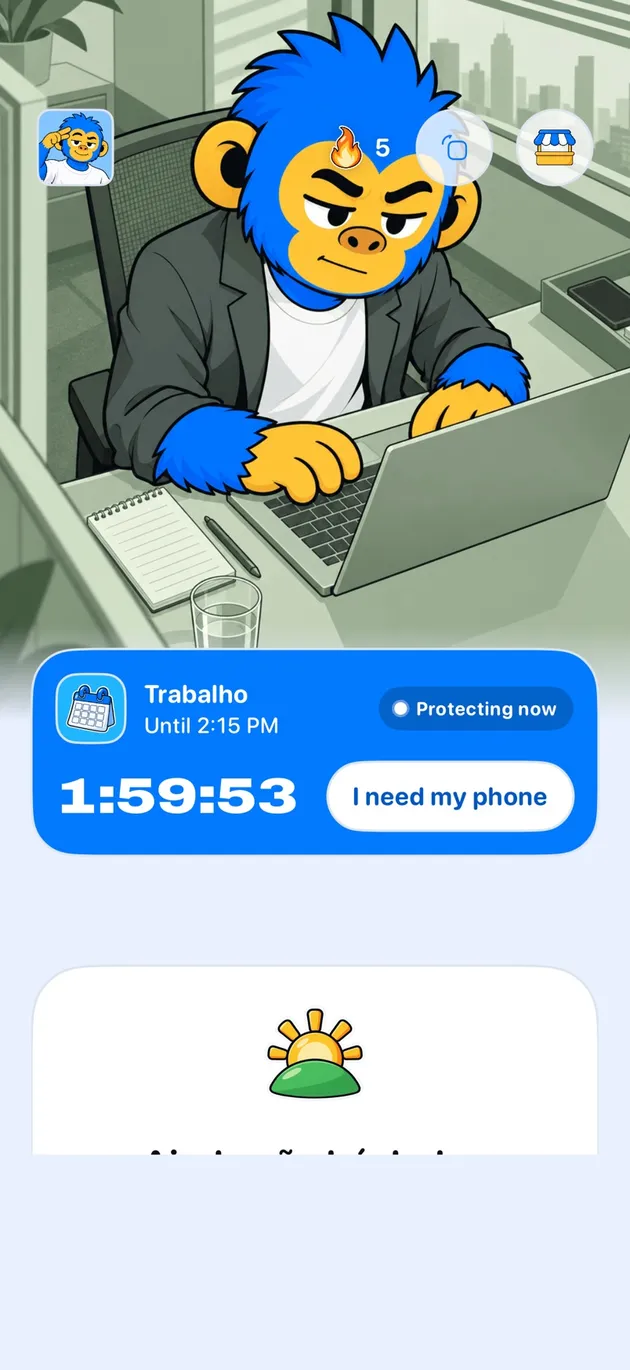
Offimo is not a parental-control app. Each person, parents included, installs it, picks the apps and sets how firm it is, so a household rule can be agreed beforehand and kept by each person.
- What it does for the home: Parents too, Agreed hours, The hour before bed, Agreed exceptions
- Getting started: Download Offimo, Pick your apps, Let the pause work
The rule exists, nobody keeps it, and the argument about the phone becomes the main argument at home. A rule agreed beforehand is usually easier to sustain than one imposed.
Offimo is not a parental-control app. It's personal: whoever uses it installs it, chooses the apps and sets the firmness. So it helps the household agreement a different way. Each person, parents included, can put a pause on the apps that eat dinner or bedtime, with the rule agreed beforehand.
What it does for the home
Parents too
If the rule is for the whole house, the adult configures their own phone as well.
Agreed hours
Protection can apply only at dinner, during homework or after a certain hour.
The hour before bed
A fixed time for scrolling apps, chosen by whoever uses the phone.
Agreed exceptions
Each person leaves off what the family decided has to stay free.
Getting started
- 1
Download Offimo
Install from the App Store and finish the initial setup.
- 2
Pick your apps
Choose which apps and sites deserve a pause before they open. Change it whenever you like.
- 3
Let the pause work
Next time you tap the icon, the pause appears, and the decision is yours again.
Frequently asked questions
Can I control my child's phone through Offimo?
No. Offimo is a personal app and has no dashboard for a guardian to monitor or configure someone else's phone.
Should I monitor in secret?
Offimo doesn't do that. The path it supports is the opposite: a rule agreed openly, which each person configures on their own phone.
What if my teenager just doesn't install it?
The rule only works if the person wants to use it, so the conversation comes first. The tool helps keep what you agreed.
See also
Read more on this topic
Parenting