 Screen time
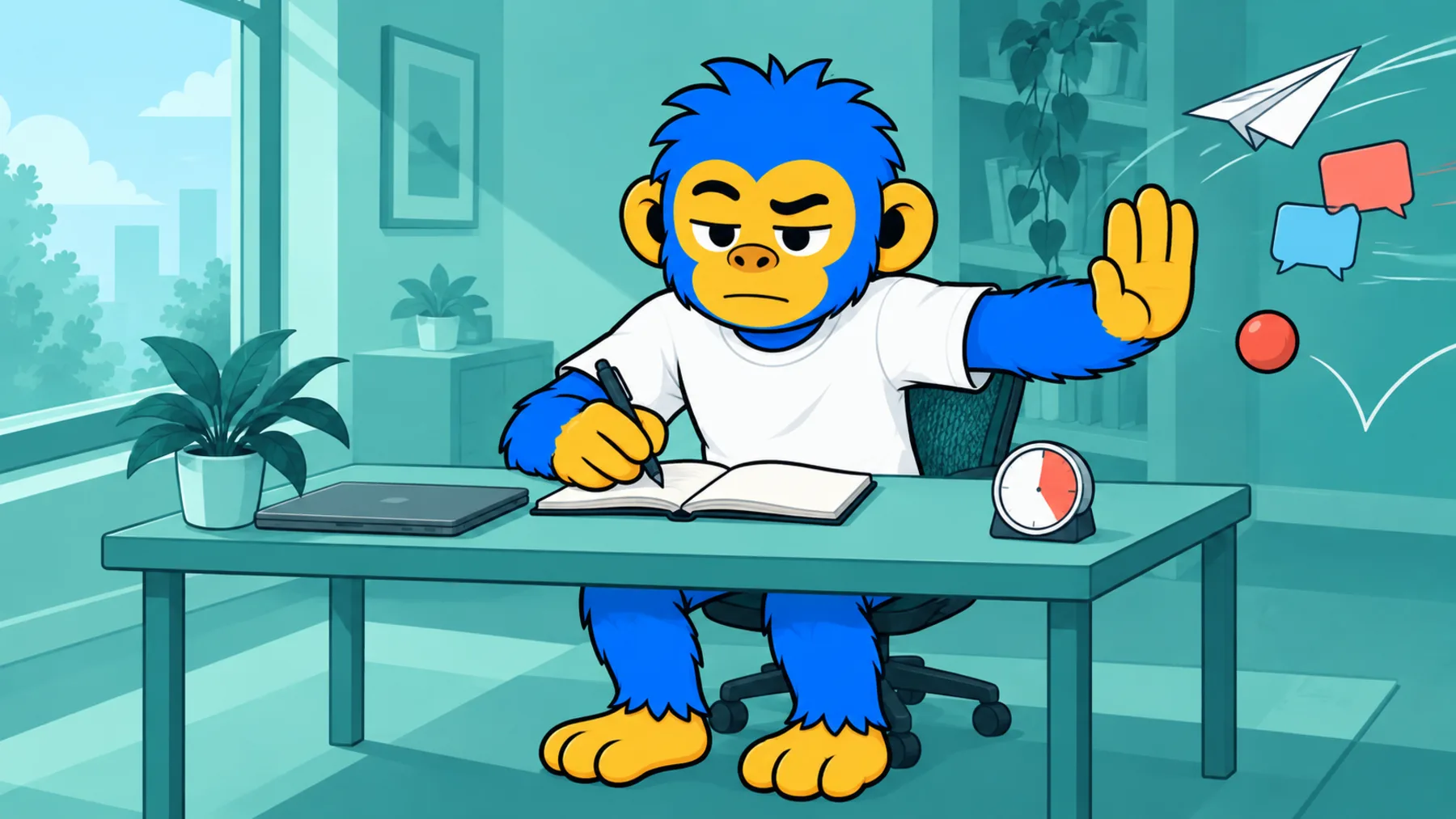
You sit down to study and the class group chat pings
Protect your study block without leaving your phone in another room.
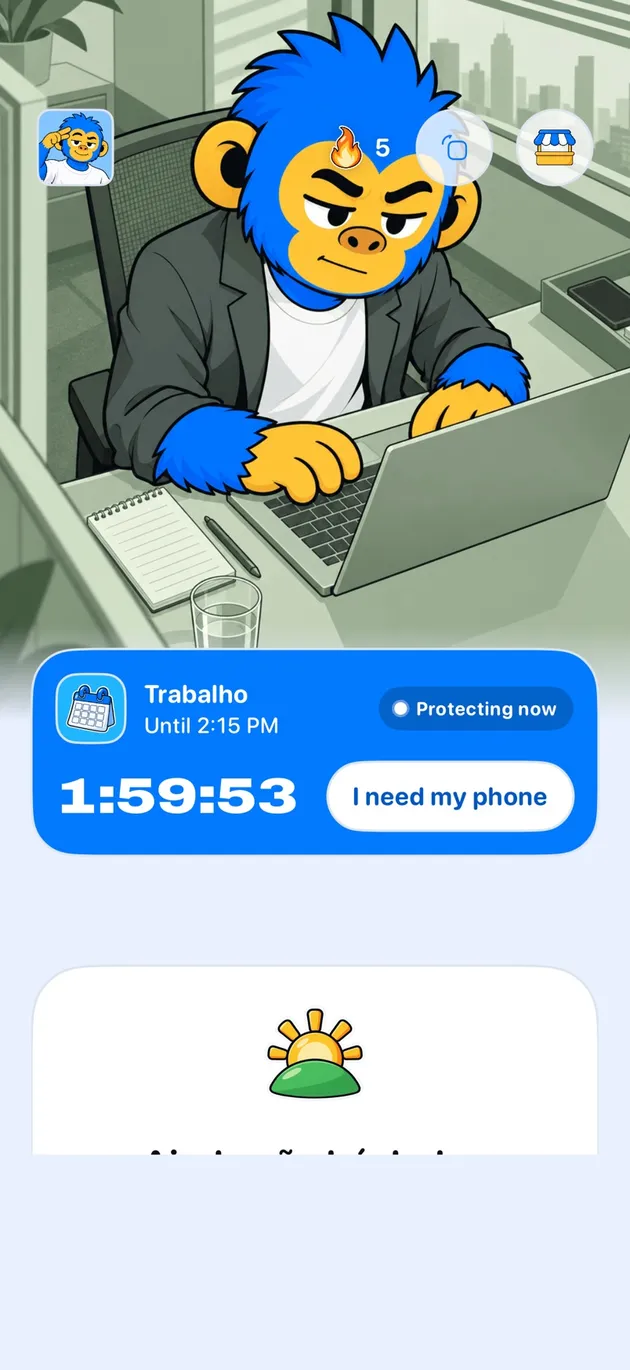
Offimo lets you keep your phone while you study: you pick the scrolling apps and your study hours, and those apps sit behind a pause. In exam week, Commitment Mode keeps the rule for the period you set.
- For a student's routine: A study block with a schedule, The class group stays off the list, Exam week, Getting back to the reading
- Getting started: Download Offimo, Pick your apps, Let the pause work
Studying takes continuous attention, and every glance at the phone costs you the way back to the material. Leaving the phone in another room works, until you need it for a question or for the class group.
In Offimo, you pick the scrolling apps and your study hours. The phone stays with you, and access to the apps you chose sits behind a pause of a few seconds. In exam week, Commitment Mode keeps the rule for the period you set.
For a student's routine
A study block with a schedule
Protection applies during your study hours and frees the rest of the day.
The class group stays off the list
Leave out the app you use to talk to classmates and protect only the feed.
Exam week
Commitment Mode keeps the block for the period you choose, at Strong or Armored.
Getting back to the reading
At the end of a break, the pause helps you choose to return to the material before you scroll.
Getting started
- 1
Download Offimo
Install from the App Store and finish the initial setup.
- 2
Pick your apps
Choose which apps and sites deserve a pause before they open. Change it whenever you like.
- 3
Let the pause work
Next time you tap the icon, the pause appears, and the decision is yours again.
Frequently asked questions
What if I need my phone to look something up?
Offimo protects only the apps you choose. Browser, notes and study material can stay off the list if you like.
How much does it cost?
Offimo has a 7-day free trial, then a monthly or yearly subscription you can cancel any time. Prices appear on the App Store.
What if I really need an app mid-block?
With the simple pause, you ask for access and go in. In Commitment Mode it depends on the level, and Emergency Unlock lifts everything for 30 minutes.