Everything Offimo does to protect your choice
A few features, each solving one specific part of the habit.
The Pause
When you tap the icon of a protected app, Offimo holds access for a few seconds before letting you through. That interval breaks the automaticity of the gesture and gives conscious choice back. The moment the infinite feed removed.
App protection
You choose which apps get a pause. It works with TikTok, Instagram, X, Facebook, YouTube and others. Nothing is protected unless you ask for it, and you can change the list whenever you want.
Commitment Mode
For the days when a pause isn't enough. While Commitment Mode is on there's no quick tap around it. The barrier genuinely holds until the period you set is over.
Jeff's Journey
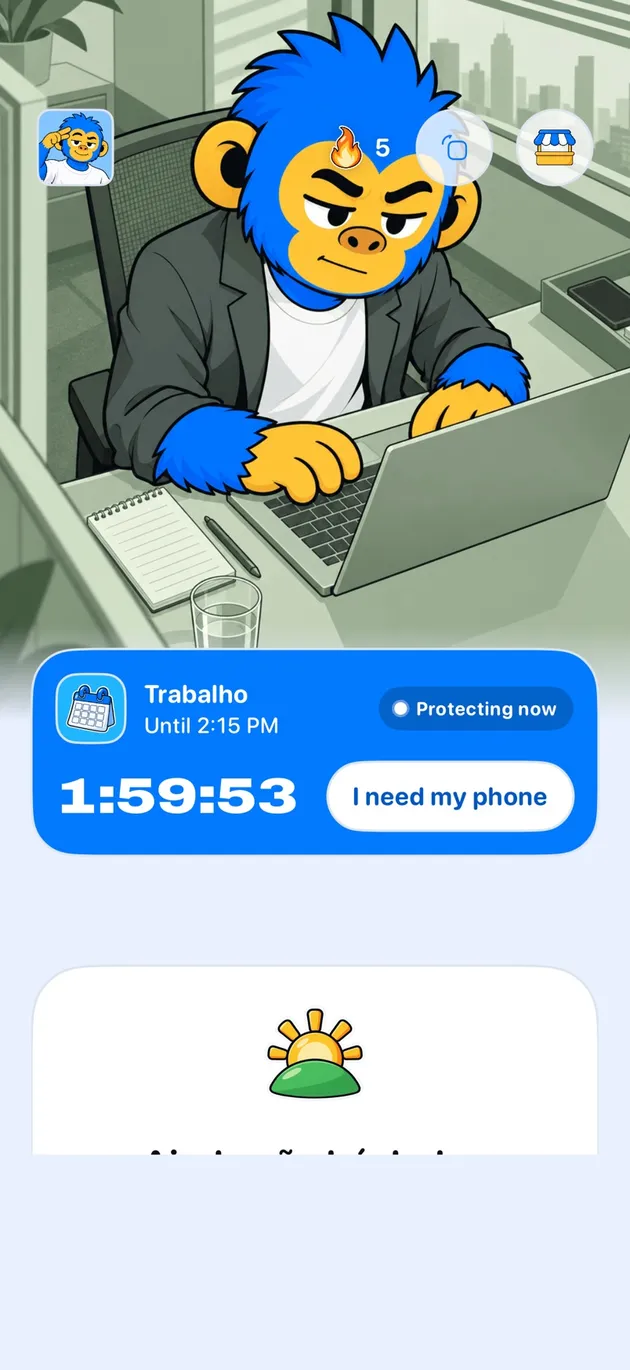
Every deliberate choice helps Jeff grow. Keeping your streak alive unlocks new moments of his as the habit gets stronger. It's positive reinforcement, not a guilt counter.
Built for iOS
Offimo uses Apple's official APIs to manage apps. No VPN, no configuration profile, no rerouting of your traffic.
No surveillance
There's no dashboard for someone else to watch your usage and no report sent anywhere. The system is yours, and so is the decision.
Frequently asked questions
How long is the pause?
A few seconds. Enough for the impulse to pass without the tool becoming an irritating obstacle. Very long pauses make people uninstall the app instead of changing the habit.
Does Offimo block apps permanently?
Not by default. The Pause holds then releases; Commitment Mode is the firmer option, for when you want the barrier to actually hold.
Does it work with any app?
It works with the apps iOS allows managing through the Screen Time API, which covers virtually every social, video and gaming app.