 Digital detox
- Social media
- 4 min read
How to avoid spoilers on your iPhone before release day
GTA VI, Avengers: Doomsday or any big release: where spoilers come from, how to block social apps on your iPhone and for how long.
By Offimo Team
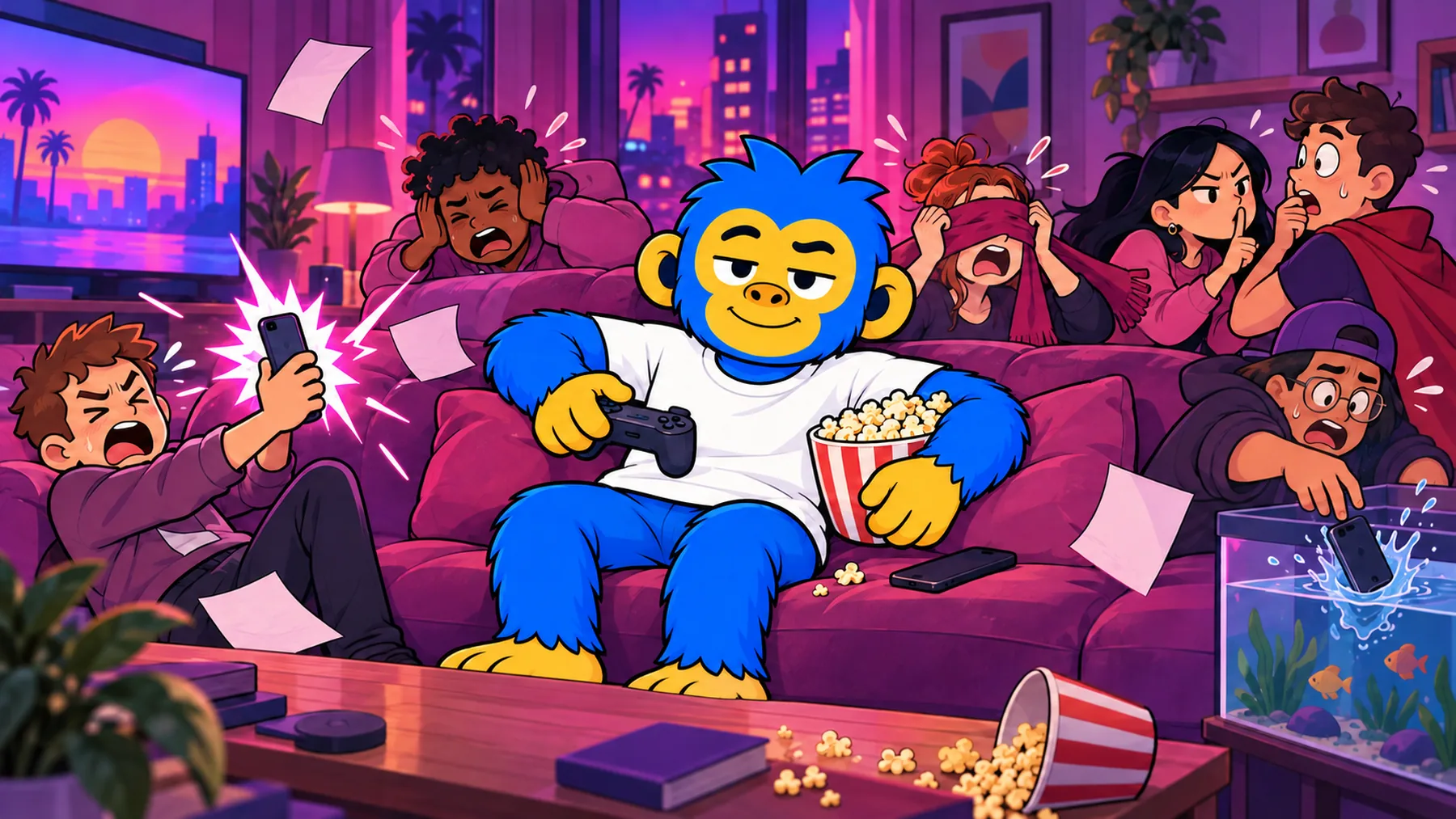
You waited years for this game or this movie. You open TikTok for something quick and the third video in your feed is someone reacting to the ending. The way to avoid that on an iPhone is to close, for a few days, the apps that play video without asking, and mute the rest.
Why spoilers get to you first
During a big release week the topic takes over the internet. The algorithm notices and pushes it to everyone, including people who are still halfway through. Nobody has to be a jerk to ruin your ending. The feed does it for them.
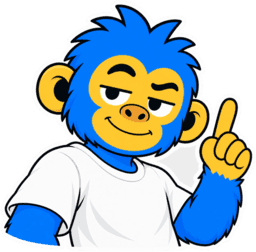
These days spoilers rarely come from a friend. They come from the video that started playing on its own.
So hoping you won't see it doesn't work. The people who stay clean are the ones who close the door before release day.
Where spoilers come from, and what to do about each one
| Where it shows up | Why it gets you | What to do |
|---|---|---|
| Reels, TikTok and Shorts | The video autoplays, no warning, no caption | Block the apps during your window |
| Trending on X | Character names and plot points on the first screen | Block the app and mute words |
| YouTube thumbnails | The cover shows the scene even if you don't tap | Block the app or skip the home page |
| Comments | Any post about the release, trailers included | Stay out of comments until you're done |
| Group chats and alerts | Headlines straight to your lock screen | Mute groups and news apps for a week |
| Search | Autocomplete suggests the question that gives it away | Don't search the title |
How to block social apps on your iPhone for the right window
- Set your window. From release day to the day you'll watch it or finish the game. Put both dates in your calendar.
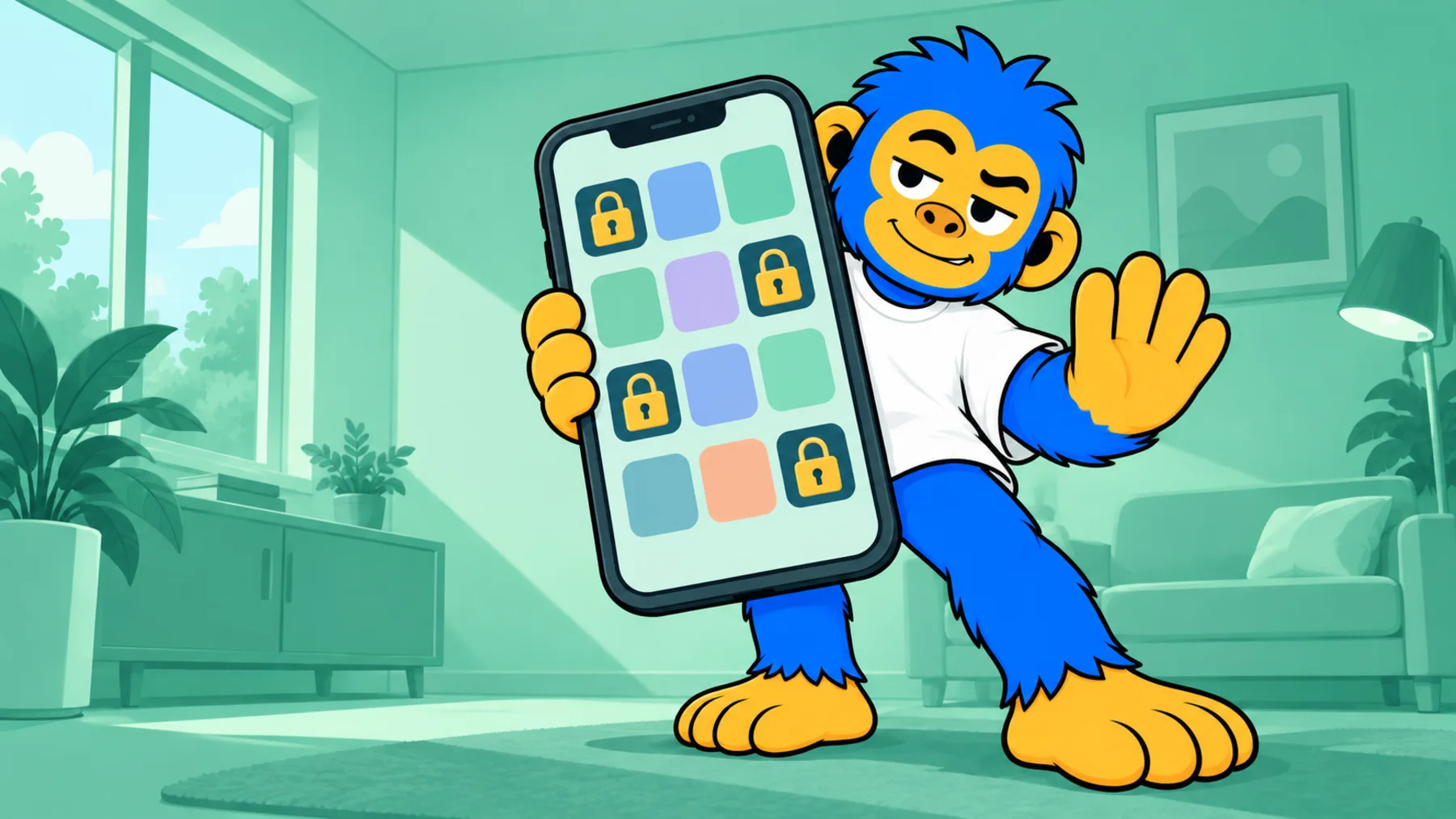
- Block short video apps and X. The built-in route is Settings > Screen Time > App Limits. Step by step for each one: Instagram, TikTok, X and YouTube.
- Mute words where you can. On X: Settings and privacy > Privacy and safety > Mute and block > Muted words. On Instagram: Settings > Hidden words. On TikTok: Settings and privacy > Content preferences > Filter video keywords. Add the title and the main characters' names.
- Turn off news alerts. Switch off notifications from pop culture and news apps, and mute the group chats that talk about releases for a week.
- Tell the people around you. A quick "avoiding spoilers until Saturday" in the group chat handles the human side.
- Unblock everything afterwards. Watched it or finished it? Undo the block and enjoy the conversation, now it's yours too.
How long the block needs to last
| Type of release | Risk window | Suggestion |
|---|---|---|
| Movie in theaters | Early screenings to your showing | Book the first days and keep the block short |
| Series finale | Release to when you watch | A day or two, if you watch soon |
| Story-heavy game | Release to the end credits | Weeks, checking in every seven days |
GTA VI has a long window
GTA VI comes out on November 19, 2026, for PlayStation 5 and Xbox Series X|S. An open-world game this size takes weeks to finish, and clips of missions, endings and secrets will be everywhere for months.
- Block TikTok, Reels, Shorts and X from launch day.
- Skip Twitch and YouTube streams of the game until you finish the story.
- Mute the game's title and the main characters' names on X.
- Check in on the block every week. If you're still far from the end, keep it.
Avengers: Doomsday has a short window
Avengers: Doomsday hits theaters on December 18, 2026. Marvel movies tend to leak in the first hours, and the post-credits scenes become the topic before the weekend.
- Book a ticket for the first days. The shorter the window, the easier it is to hold.
- Block short videos and X from the night of early screenings until you walk out of the theater.
- Don't open the comments on any post about the movie, trailer included.
When the urge to open the app hits
It will. You'll reach for your phone on the bus, in line, before bed. The trouble with a regular limit is that one tap undoes it, and that tap happens before you think.
That's where Offimo comes in. When you try to open an app you protected, it holds it for a few seconds so you can choose. If you still want in, you go in. For release week, Commitment Mode makes the barrier firmer: before you start, you pick the period and how firm it is, and leaving early takes a lot more than one tap.
Before the next big release, do one thing: put the day you'll watch it in your calendar. The rest of the plan follows from that date.
Frequently asked questions
Is iPhone Screen Time enough on its own?
It helps, but it has a weak spot: when the limit runs out, Ignore Limit opens the app with one tap. During release week, curiosity wins that tap on autopilot. A block that asks for a real pause before opening holds up better.
Is muting words on X and Instagram enough?
No. Filters only catch written text. Short videos show the scene with no caption at all, and thumbnails give the moment away before you read anything. Muted words back up the block on video apps; they don't replace it.
Can I block social apps and keep WhatsApp or iMessage working?
Yes. Screen Time and Offimo both let you pick app by app. Keep your messages open and mute the group chats that like to talk about releases for a week.
What if I need Instagram or YouTube for work?
With Offimo's simple pause, if you still want in, you go in. It holds the app for a few seconds so you can choose. Commitment Mode is for when you've already decided you don't want to negotiate.
Does this work on Android?
Offimo is iPhone only. Muted words on X, Instagram and TikTok work on Android too, and muting group chats and news alerts works on both.
Keep reading
Digital detox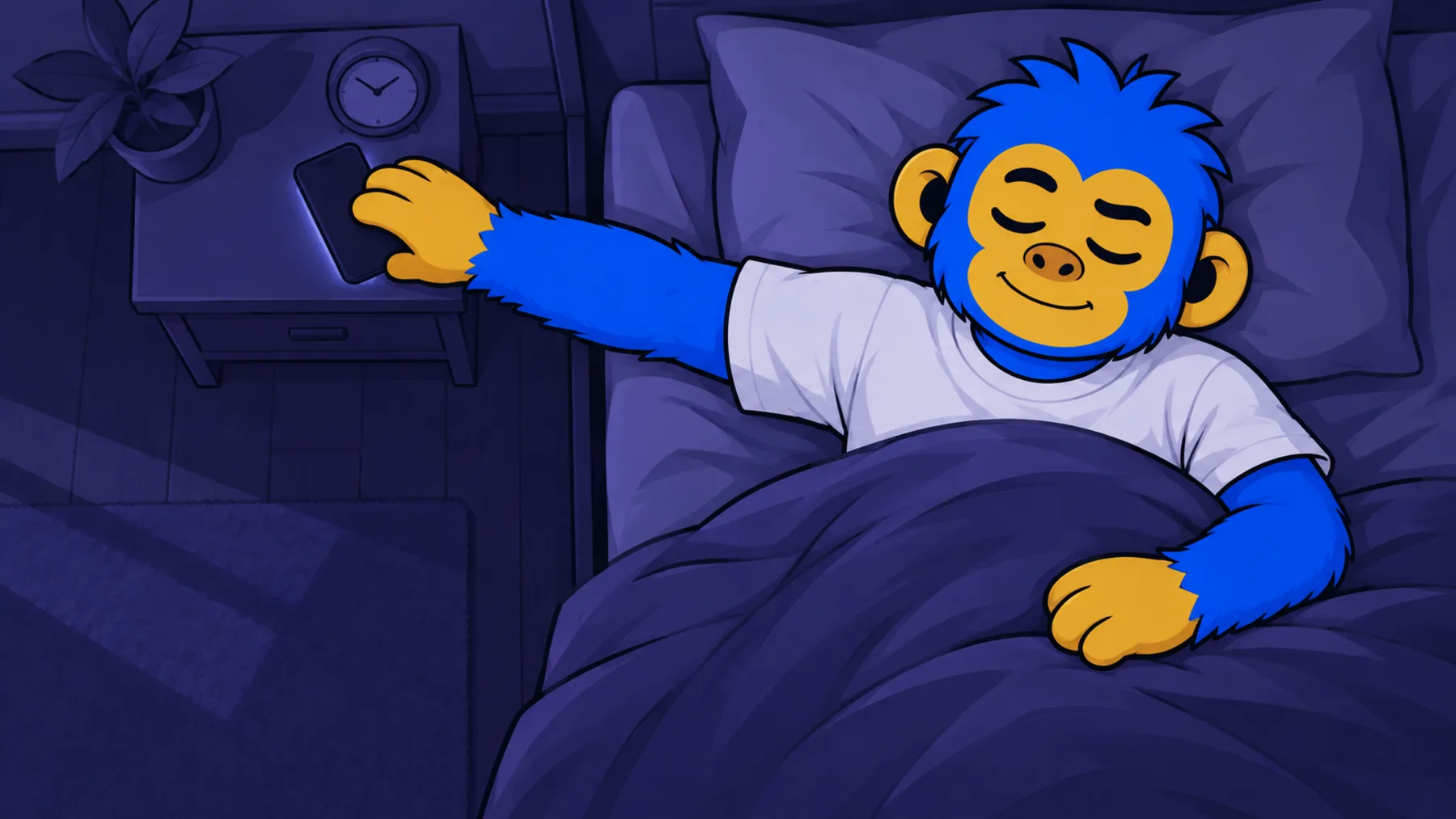 Digital detox
 Screen time









The next quick look is going to happen.
This time, we'll be there to help! You get to choose.
7 days free · iPhone with iOS 18 or later