 Screen time
How to Block WhatsApp
Break free from constant group chat pings with Offimo
The Real Cost of WhatsApp
- 35 minutes per dayAverage time on WhatsApp
- 9 full days per yearThat's nearly
- 20 to 30 times a dayOpened
Source: DemandSage WhatsApp Statistics (2026)
Why WhatsApp Is So Hard to Put Down
WhatsApp rarely feels like a choice. Group chats ping constantly, and each notification carries a quiet social obligation: someone might be waiting on your reply, a plan might be forming without you, or a joke you missed could leave you out of the loop. That pressure to stay responsive is what keeps you checking your phone twenty to thirty times a day, often within seconds of a badge appearing.
Part of what makes WhatsApp so persistent is that you never know what's behind the next notification. It could be a family emergency, a work request, or just a meme in the group chat. That uncertainty is a variable reward, the same mechanism that makes slot machines compelling, and it trains you to check reflexively rather than when you actually need to.
How Offimo Helps You Take Control
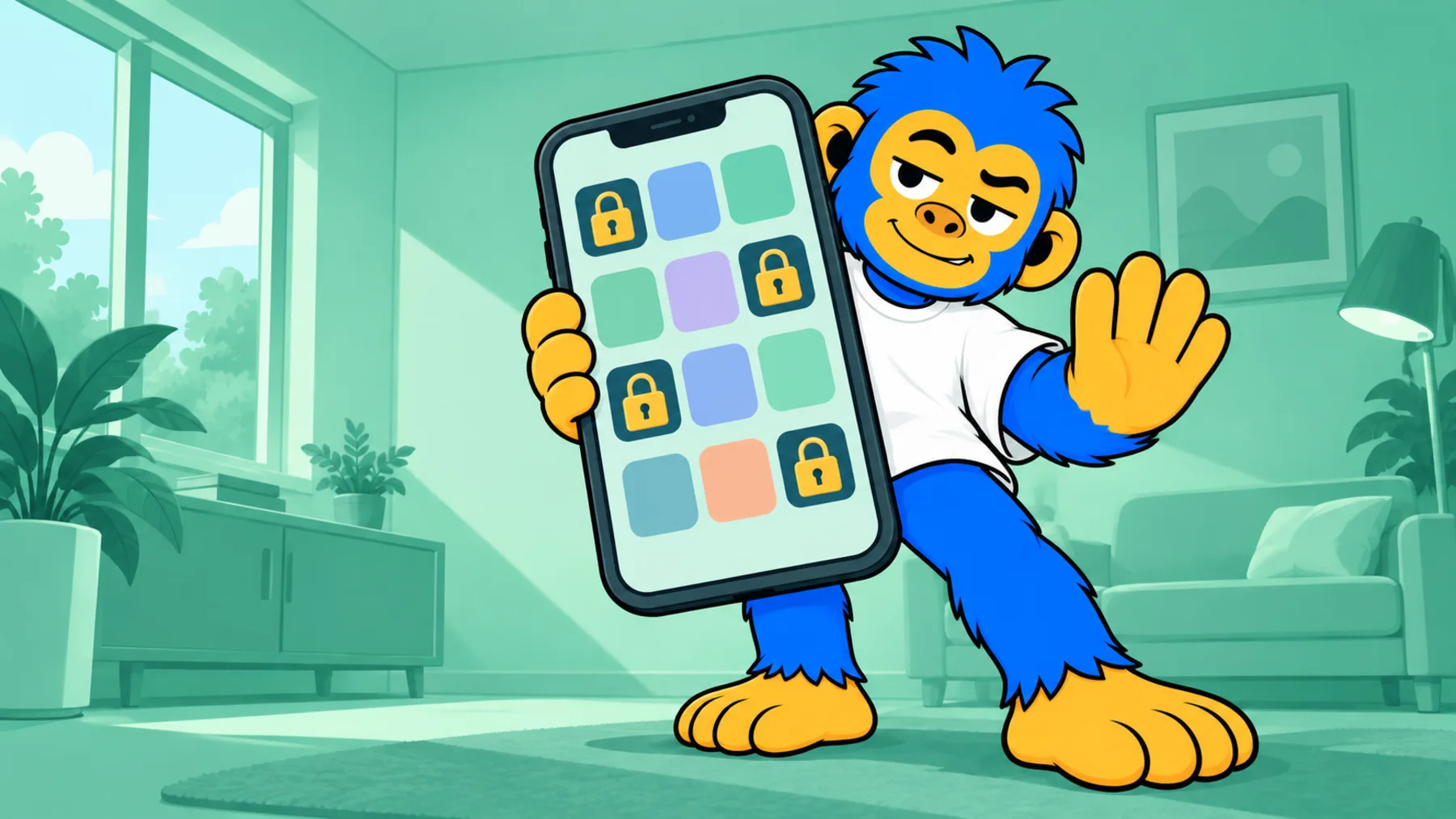
By default, Offimo doesn't block WhatsApp outright, because for most people that isn't realistic: it's how you coordinate with family, friends, and coworkers. Instead, it adds a brief pause the moment you tap the app icon, giving your conscious mind a beat to catch up with the reflex that sent your thumb there in the first place. If you want a firmer barrier at certain hours, you can turn on Commitment Mode.
That pause interrupts the automatic pattern of checking WhatsApp every time a notification lands, without cutting you off from the app. If a reply genuinely needs to happen now, you can still proceed after the pause. What changes is the dozens of unconscious checks that used to happen between real conversations.
Offimo's dashboard shows you how many opens you avoided and how much time that represents, so you can see the shift from reactive checking to intentional use building week over week.
Setting Up WhatsApp Blocking in Offimo
- 1
Download and Install Offimo
Download Offimo from the App Store and complete the short onboarding flow, which walks you through granting the permissions Offimo needs to intercept app launches.
- 2
Add WhatsApp to Your Protected Apps
In Offimo's app selection screen, choose WhatsApp from your list of installed apps. You can add other messaging or social apps at the same time if you want.
- 3
Customize Your Pause Experience
Set how long the pause lasts (30 seconds is a good starting point) and pick the reflection prompt that appears when you open WhatsApp. You can adjust both at any time.
- 4
Use Your Phone as Normal
Keep using WhatsApp as you always have. The next time you tap it, Offimo will show the pause screen first, then let you continue on to WhatsApp if you still want to.
- 5
Review Your Progress
Check Offimo's dashboard to see how many times you paused before opening WhatsApp and how many of those pauses turned into an avoided open, rather than a reflex check.
What to Expect After Using Offimo
In the first few days, you'll likely notice how many times you reach for WhatsApp out of habit rather than necessity, checking a group chat that hasn't actually sent anything new. The pause makes that pattern visible instead of invisible.
Within a week or two, most users find they avoid a meaningful share of their habitual WhatsApp checks, particularly the ones triggered by notifications rather than an actual need to reply. Conversations that matter still get your attention quickly. What drops is the constant background checking between them.
The reclaimed time and attention tend to show up outside the app too: fewer interruptions during focused work, less phone-checking at the dinner table, and a clearer sense of which chats actually need you and which can wait.
Tips for Success
Mute what doesn't need you.
For group chats that generate a lot of chatter but rarely need your input, mute notifications directly in WhatsApp. That removes a big share of the pings that trigger the urge to check in the first place.
Notice your reply anxiety.
During the pause, ask yourself if someone is actually waiting on you right now. Most of the time, a reply within the hour is completely fine, even if it doesn't feel that way in the moment.
Set real windows for group chats.
Instead of checking constantly, pick two or three times a day to catch up on busy group chats. You'll respond just as well, with far less of your day spent glancing at your phone.