 Screen time
How to Block Telegram
Messaging plus channels: news, memes and communities broadcasting all day. The chat list scrolls like a feed.
How Offimo pauses Telegram
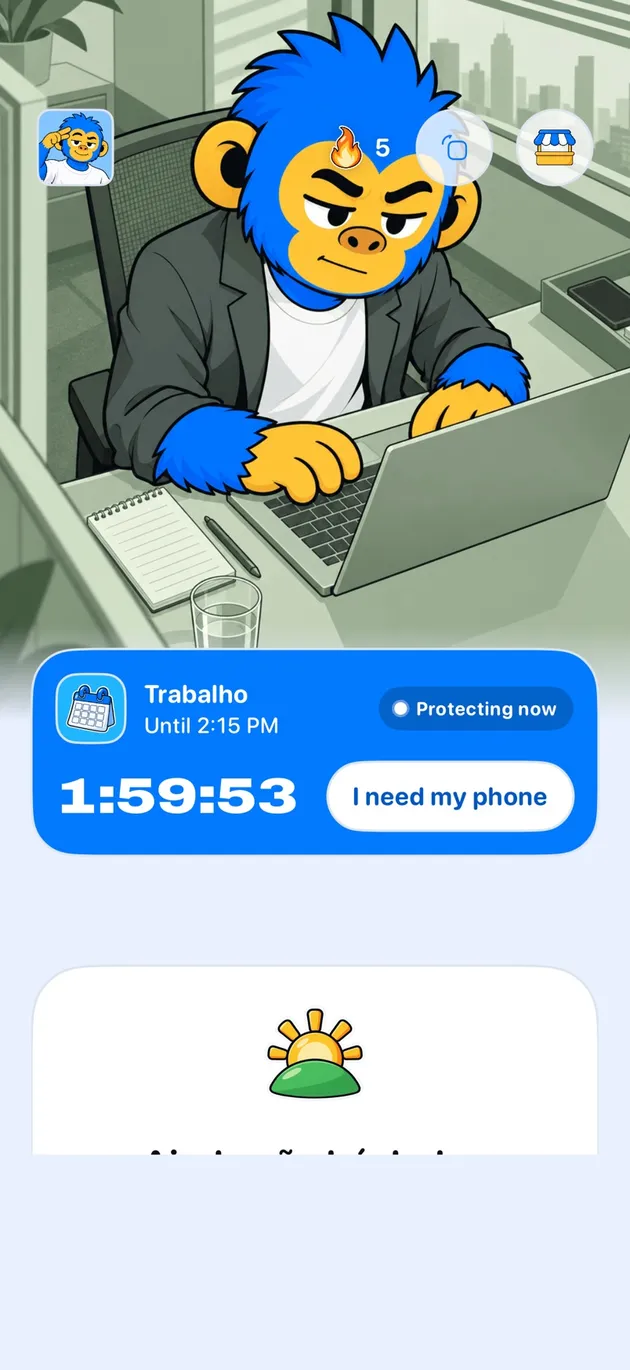
Offimo puts a short pause between the tap and Telegram, every time you open it. You can still go in, but opening it stops being a reflex and becomes a decision.
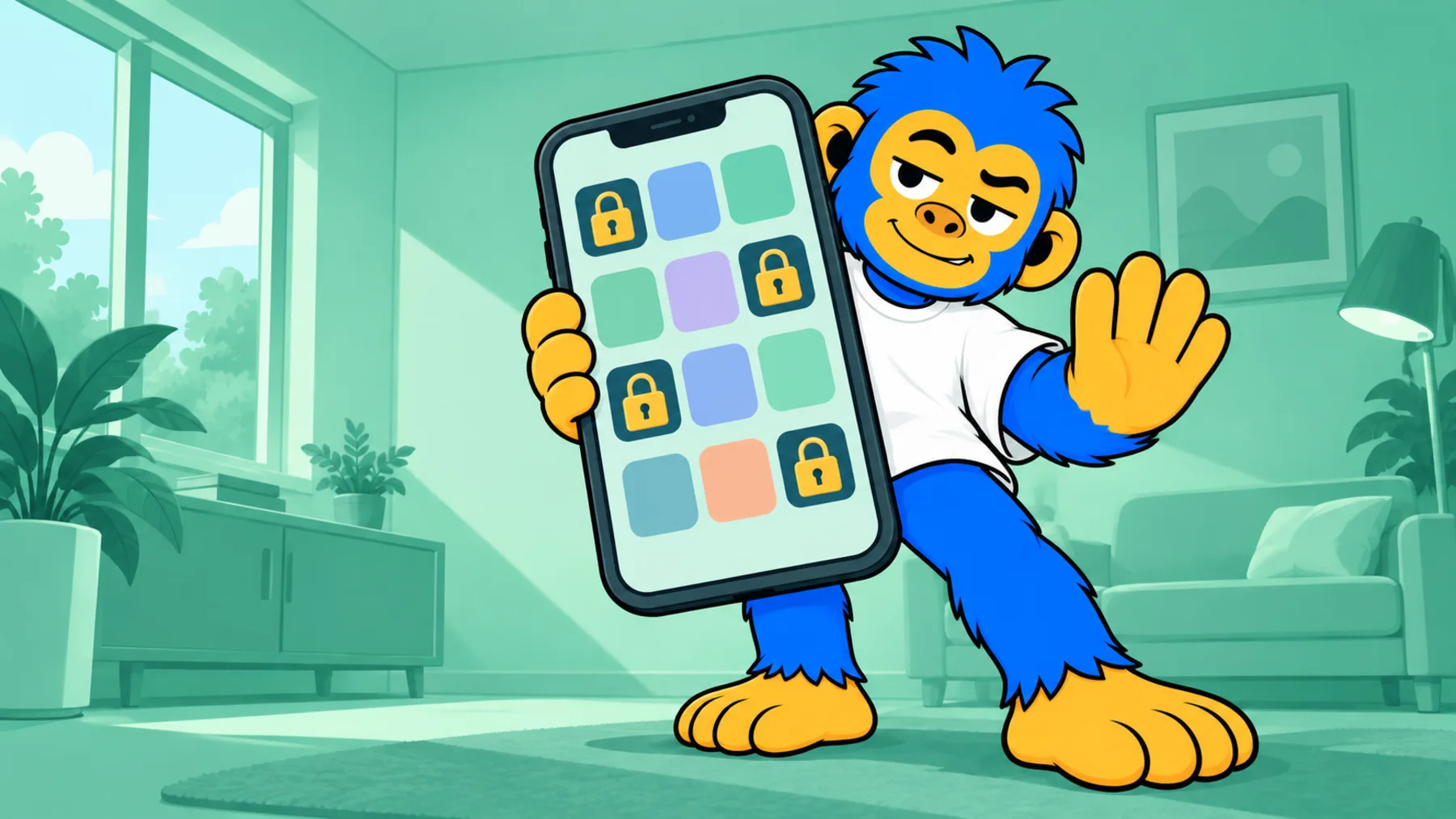
On the simple pause, if you still want in, you go in. For the days you have already decided not to negotiate, Commitment Mode makes the block firmer for the period you choose, and Emergency Unlock opens everything for 30 minutes if something real comes up.
Setting Up Telegram Blocking in Offimo
- 1
Download and Install Offimo
Get Offimo from the App Store and complete the short onboarding flow, granting the permissions it needs to intercept app launches.
- 2
Add Telegram to Your Protected Apps
In Offimo's app selection screen, choose Telegram from your list of installed apps. You can protect other apps at the same time if you want.
- 3
Customize Your Pause Settings
Set your preferred pause length (30 seconds is a good place to start) and choose the reflection prompt you'll see before Telegram opens. Adjust these anytime.
- 4
Use Your Phone as Normal
Keep browsing as you always have. The next time you tap Telegram, Offimo will show the pause first, then let you continue on if you decide you still want to.
Tips for Success
When Telegram usually opens
To read one chat and land on the channel list, where the unread counts are broadcasts.
What to protect and what to leave reachable
The pause is per app, not per chat. Muting the noisiest channels inside Telegram makes each visit shorter.