 Social media
Use Instagram less
Photos, Reels and Stories from people you know and people you do not. Most of the time goes to the Reels you did not open it for.
Instagram is designed to be hard to put down. iOS Screen Time can cap it for free, but one tap on Ignore Limit lifts the cap. Offimo adds a pause before Instagram opens, every time.
- Type: Social media
- What pulls you back: A feed with no bottom, Content that disappears, Notifications that pull you back, A feed tuned to you
- On iOS alone: Screen Time, App Limits. Ignore Limit lifts it in one tap.
- With Offimo: A short pause before Instagram opens, every time.
Why Instagram is hard to put down
Instagram is three apps in one. You open it to answer a message or check a friend's post, and the same screen offers Stories that expire tonight and a Reels tab that never ends. Each is a reasonable reason to stay a little longer.
The feed is ranked, not chronological, so there is no point where you have seen everything. Something new is always at the top, and the app knows which kind of new keeps you scrolling.
A feed with no bottom
There is no last post. Every time you reach what looks like the end, more has loaded, so the natural stopping point a newspaper or a TV episode gives you never arrives.
Content that disappears
Stories vanish after a day, so the reasonable thing is to check today. Then tomorrow. The deadline is the point.
Notifications that pull you back
Badges and pings arrive at moments the app picks, not moments you picked. Each one is a small reason to open it, and there are dozens a day.
A feed tuned to you
What you see is chosen by a system that learns, second by second, what keeps you watching. It is very good at its job, and its job is not the same as yours.
When Instagram usually opens
Usually a notification, or a gap of a few seconds: the queue, the coffee, the ad break. You open it for one thing and the Reels tab is one tap away.
What Instagram costs in time
There is no honest per-app figure for Instagram that holds across countries, so we do not print one. What has been measured is the total: how long the average internet user spends online on a phone every day. Put your own Instagram time into the calculator and see what it adds up to over a year.
3h46
a day online on a phone, on average. Source: Kemp, 2025 · all our sources
How to limit Instagram on iOS without any app
- Open Settings and tap Screen Time.
- Tap App Limits, then Add Limit.
- Find Instagram in the list (search works), select it and tap Next.
- Set the daily time you want, then tap Add.
Honest caveat: when the limit runs out, iOS offers an Ignore Limit button. One tap and you are back in Instagram. A Screen Time passcode that differs from your iPhone passcode makes that tap harder. How Offimo compares to Screen Time.
What to protect and what to leave reachable
Messages live inside the same app, so the pause covers all of Instagram. If a DM is why you opened it, answer it and close the app; that is the choice the pause hands you.
How Offimo pauses Instagram
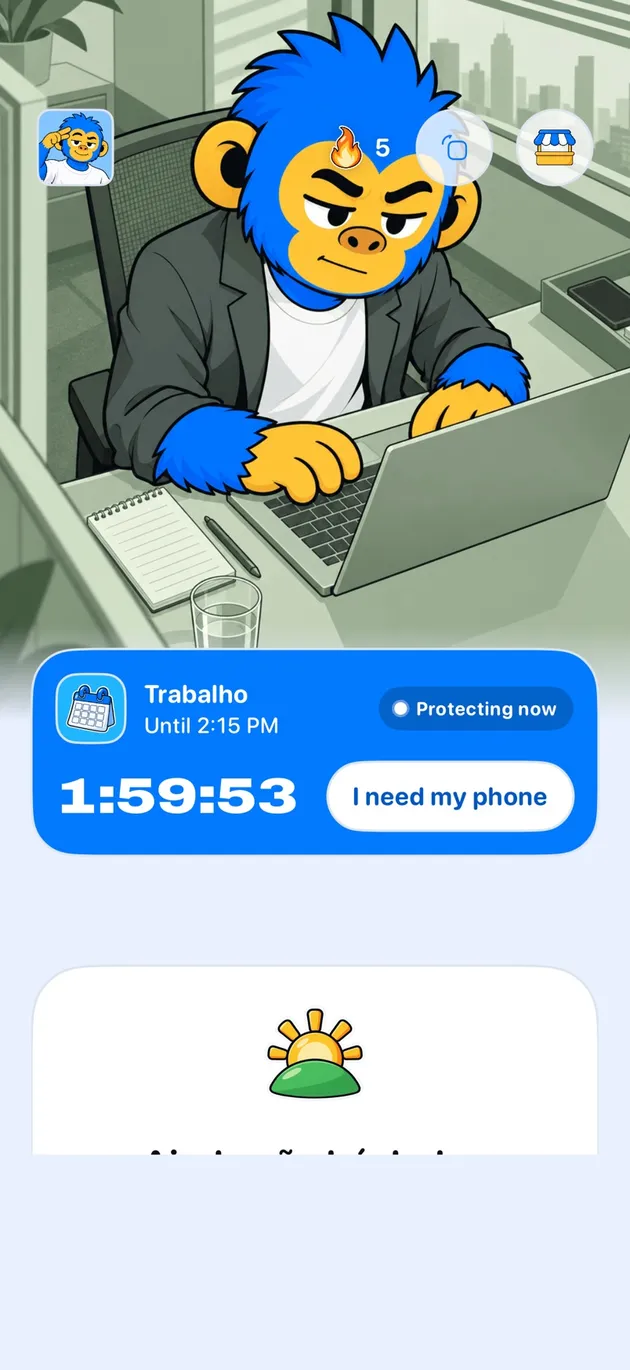
Offimo puts a short pause between the tap and Instagram, every time you open it. You can still go in, but opening it stops being a reflex and becomes a decision.
On the simple pause, if you still want in, you go in. For the days you have already decided not to negotiate, Commitment Mode makes the block firmer for the period you choose, and Emergency Unlock opens everything for 30 minutes if something real comes up.
Frequently asked questions
Does Offimo block Instagram completely?
Not necessarily. In normal mode you can still get into Instagram. The difference is that there is a pause first, so opening it does not happen on reflex. For the moments a pause alone is not enough, there is blocking too.
Can I still open Instagram after the pause?
Yes. When the pause ends, you decide: go in on purpose, or put the phone down. Both count, because either way you chose.
Does it work with the Instagram website too?
Yes. Offimo treats the Instagram app and the Instagram website as the same destination, so the pause holds in Safari and other supported iPhone browsers as well.
Can I make the Instagram block firmer?
Yes. In Commitment Mode you pick the period and how firm the block is before you start. If something real comes up, Emergency Unlock opens everything for 30 minutes.
Can I pause Reels but keep Instagram messages?
Not separately. Offimo works at the level of the app, so the pause appears whenever Instagram opens. The pause catches the reflex of opening; if you came for a message, answer it and close the app.
Other apps
See also
Read more on this topic
Social media Digital detox
 Digital detox